Store listings, releases and reviews: how I handle the Chrome Web Store and Google Play
For most of my apps the store is the storefront. Here's how I make listing images, ship releases through my own Store Publisher tool, ask for reviews at the right moment and answer them.

Michal Wlosik
· 3 min read
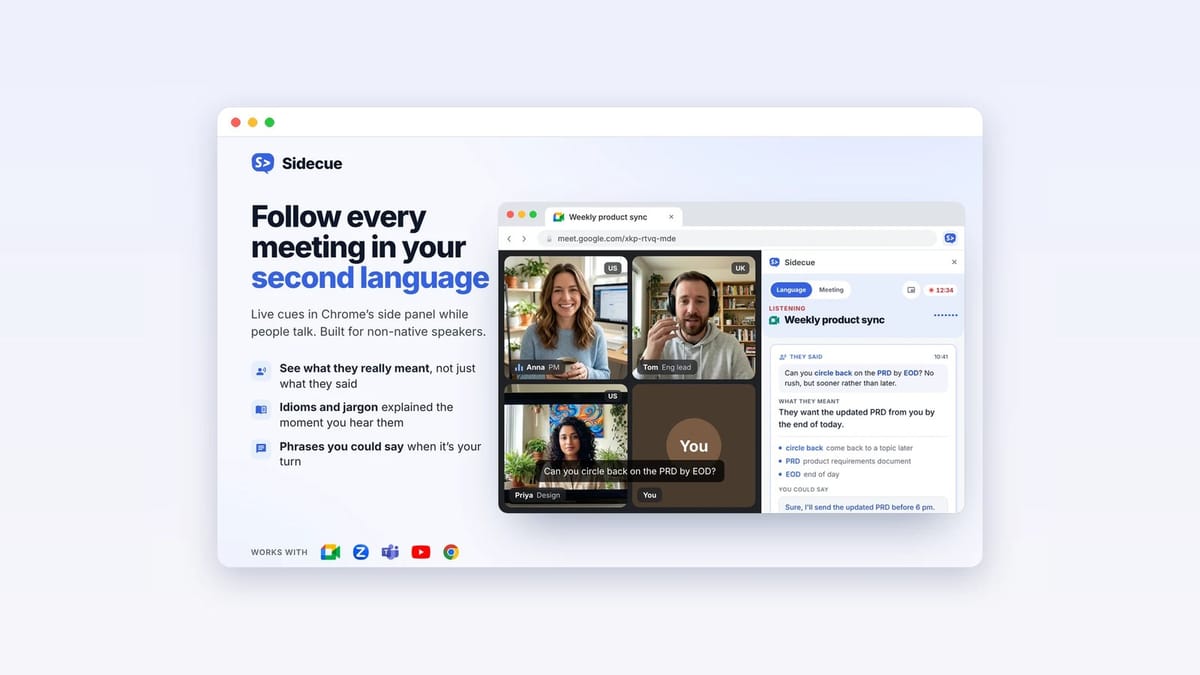
Part of how I market my apps as a one-person team.
For most of my products the store listing matters more than the website. Sidecue, Sift, Cubbie and Mockeys live on the Chrome Web Store. Penlo, Bookbeam and Bruno live on Google Play. People find them there, judge them in about five seconds, and install or scroll past. So the listing is the landing page, and reviews are the social proof.
1. Listing images that say what the product does
I wrote a full guide on this: the complete guide to Chrome Web Store images. The short version is three rules:
- Real product, real data. Screenshots of the actual interface, with believable content, not empty states.
- One message per image, written as a short headline above the screenshot.
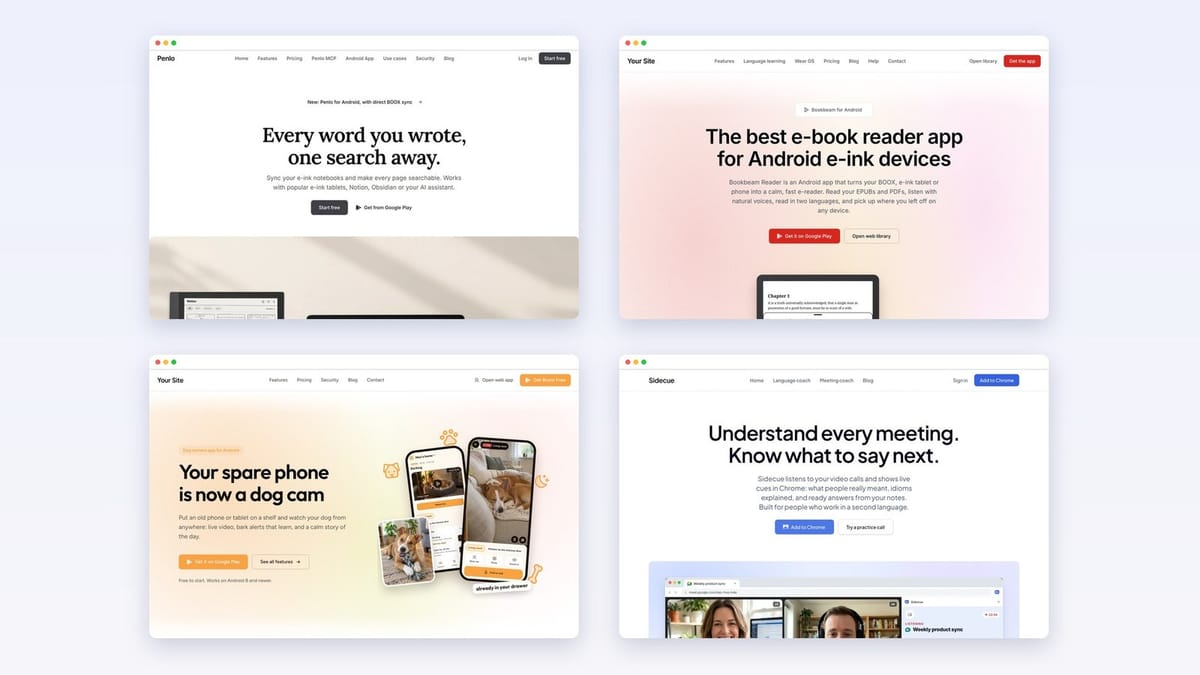
- The same frame everywhere. Store images, the product site and blog covers share one visual system, so the brand looks consistent wherever people meet it.
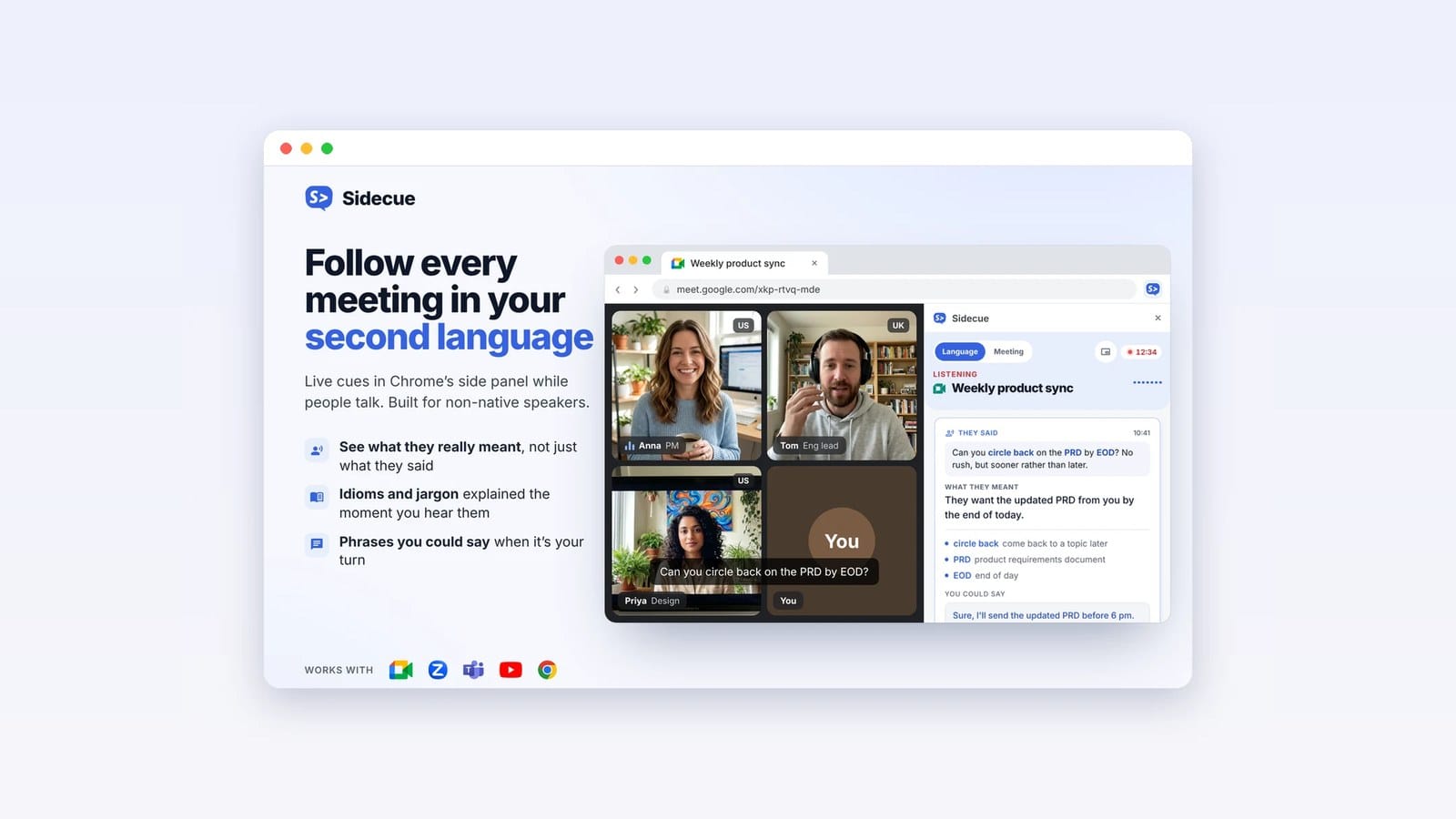
For captures I use Shutter, my own screenshot extension. It takes a reliable full-page capture and saves straight to the format I've set, so I don't have to pick a format every time. It also has a bridge to Claude, so Claude can capture a page I'm looking at and work with the image.
2. Releases without the busywork
Publishing used to be the slowest part of shipping. Bump the version, build, zip, upload, fill in the form, submit. For Android: build the bundle, upload it to a test track, then promote it to production. So I built Store Publisher, a small MCP server on my PC that Claude can call:
- Chrome Web Store: a dry run that shows exactly which files go into the package, then publish (bump, build, zip, upload, submit) in one step, plus status checks and cancelling a pending review.
- Google Play: bump the version, build the release bundle, upload it to a track, promote it (optionally as a staged rollout) and check every track's status, Wear OS included.
- Reviews: read the last week of Google Play reviews and reply to them.
What it can't do matters too: it doesn't create store listings or edit descriptions and screenshots, and Google's API doesn't return install or revenue numbers. The first listing is always manual, and so is every change to the listing copy. I'm fine with that. Those are the parts that need judgment.
3. Ask for reviews at the right moment
A small app with five reviews loses to one with fifty, even if it's better. But a "rate us" pop-up on day one mostly annoys people. So every prompt waits for a sign the product has actually helped:
- Bookbeam on Android asks only after 5 real reading sessions (at least 5 pages and 2 minutes each), with the app installed for at least 3 days, and never more than once every 120 days. Even then, Google decides whether the rating sheet actually appears.
- The Bookbeam Chrome extension shows a single "Rate it on the Chrome Web Store · Not now" line after the 5th successful send. Once.
- Sift asks by email, three days after someone buys Pro, and shows how much storage they've freed. That one's in the email post.
A rule that works for all of them: give unhappy users a way to reach me that isn't a one-star review. "Something's wrong? Tell me" next to "Leave a review" turns complaints into bug reports.
4. Answer every review
Claude pulls new Google Play reviews through Store Publisher, drafts a reply for each and flags anything that looks like a bug. I read every reply before it goes out. Answering fast, especially the critical ones, matters more than the wording: people update their rating when the bug they reported gets fixed.
5. Communities, carefully
Stores don't send much traffic to a new app on their own. The communities around the device or the problem do. When someone on Reddit asks for a good e-book reader, my rule is: answer what they asked, recommend other good apps too, say plainly that I built Bookbeam, and leave the link out unless someone asks for it. It reads as advice, not an ad, and moderators leave it up.
What I'd tell another builder
- Spend more time on the first two store images than on the website hero. Far more people see them.
- Automate releases early. When shipping a fix takes one sentence instead of twenty minutes, you ship fixes faster, and reviews follow.
- Ask for reviews after success, not after install.
Written by
Builder, product marketer and AI enthusiast. I ship my own apps, like Sift (siftphotos.pro), Penlo (penlo.app), Ectobuilder (ectobuilder.com) and Cubbie (cubbie.pro), and write about building and marketing them with AI.
Keep reading
How I market my apps as a one-person team, with Claude as my marketing department
I build and market close to ten apps on my own. Here is the whole system: real numbers from Search Console, research in Ahrefs, product sites in Ectobuilder, store listings, email in Resend, payments in Polar, and Claude wiring it together.
How I launch a product site and blog in an afternoon with Ectobuilder
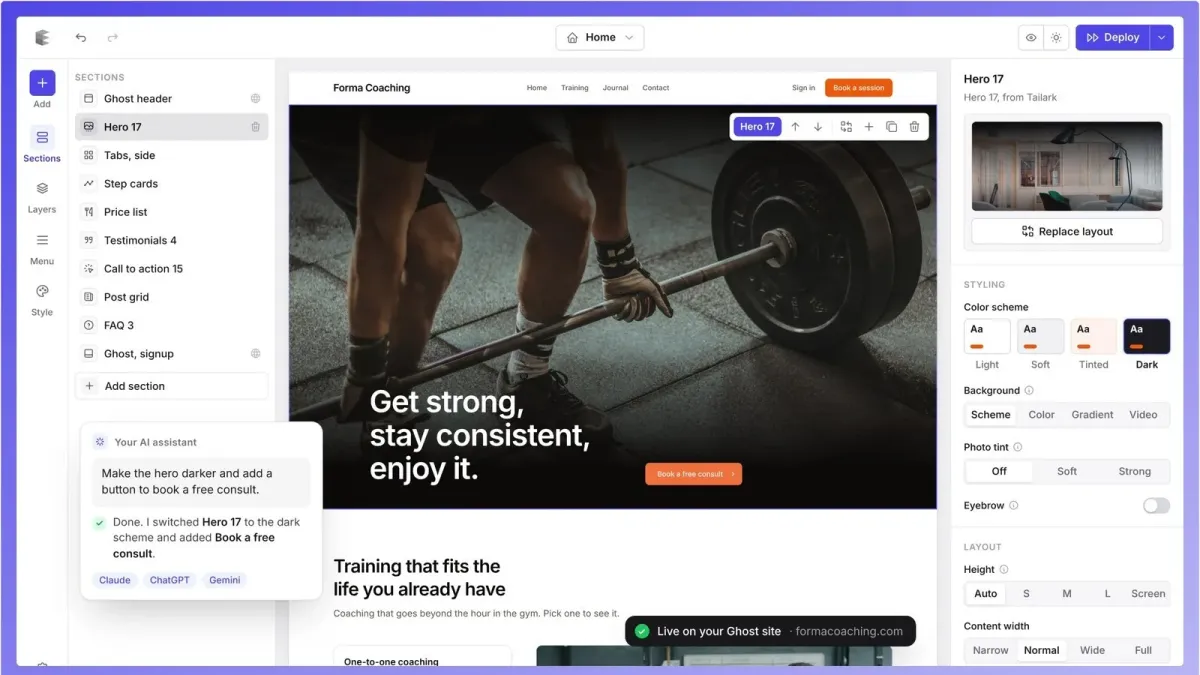
Every product I ship gets its own site and blog on Ghost, designed in Ectobuilder. Here's the setup, and how Claude edits, screenshots and writes for those sites through Ectobuilder's connector.
How I use Search Console, Ahrefs and Claude to plan content for Google and AI search
Claude reads Search Console for what's actually working and Ahrefs for what's worth writing next. Here's the loop I use to plan content for Google and for AI assistants, with real data from Penlo.