How I launch a product site and blog in an afternoon with Ectobuilder
Every product I ship gets its own site and blog on Ghost, designed in Ectobuilder. Here's the setup, and how Claude edits, screenshots and writes for those sites through Ectobuilder's connector.

Michal Wlosik
· 3 min read
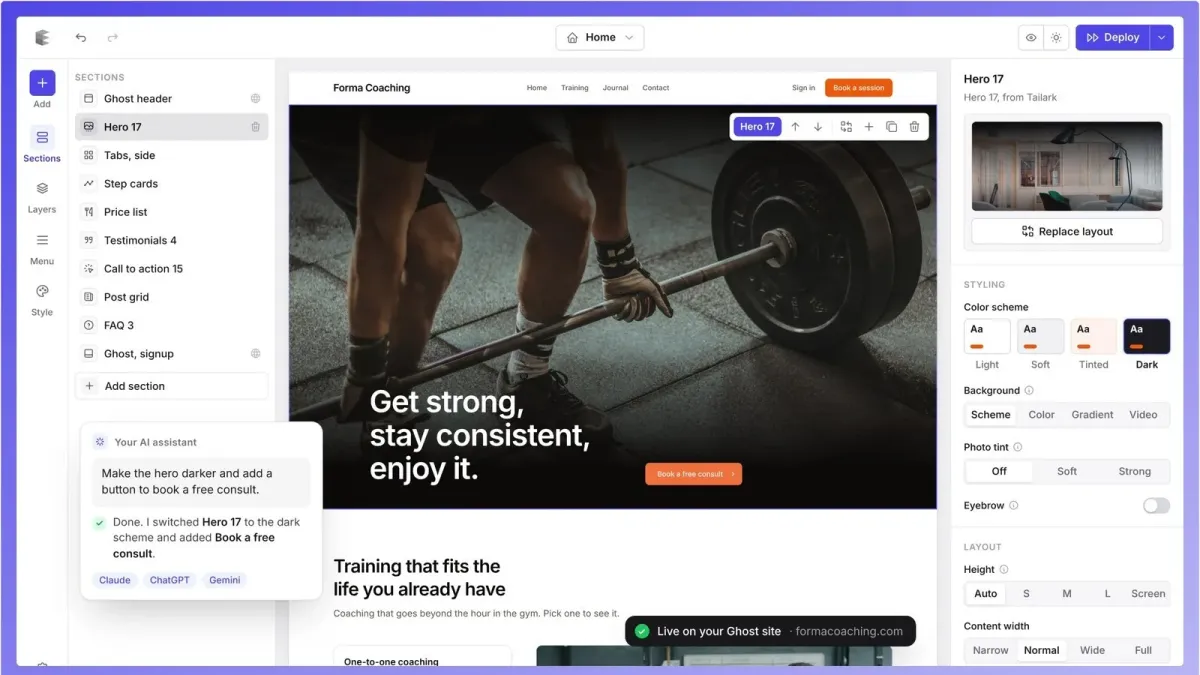
Part of how I market my apps as a one-person team.
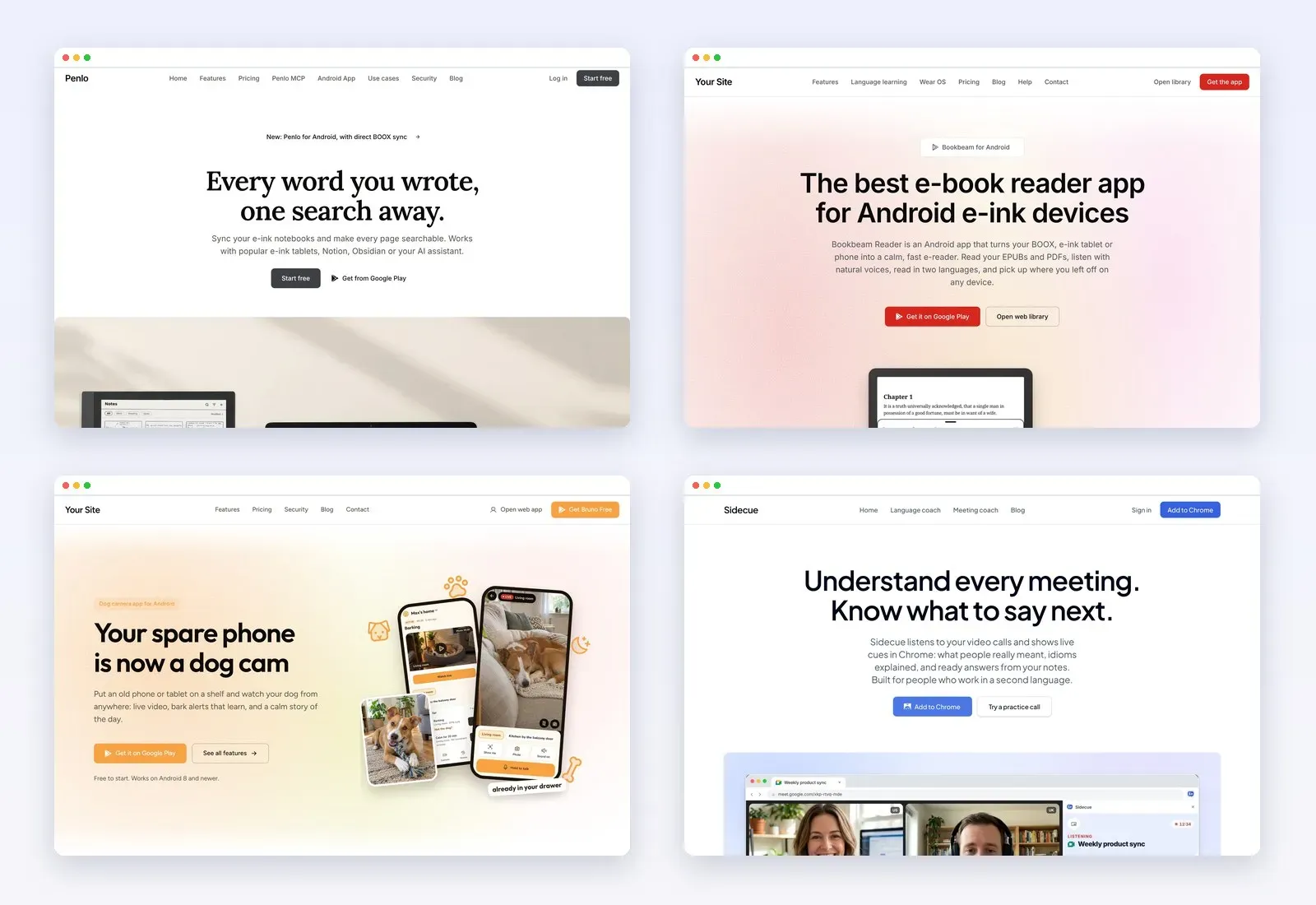
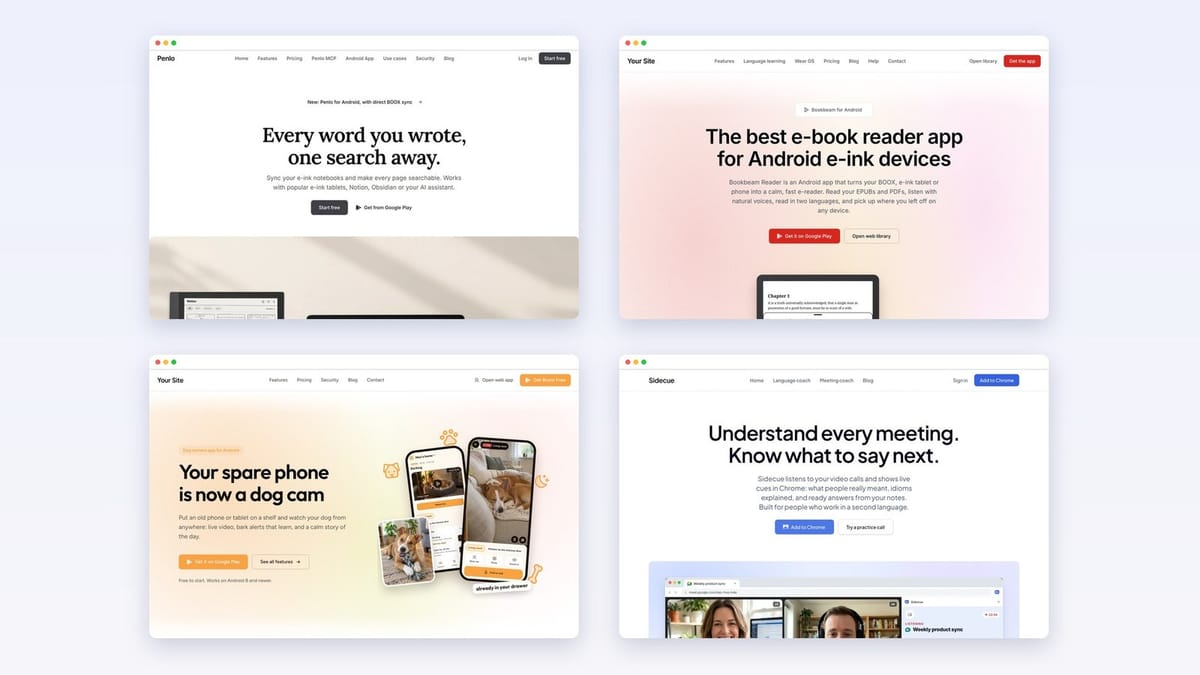
Every app I ship gets its own website with a blog: penlo.app, bookbeam.tools, sidecue.app, brunocam.com, cubbie.pro, siftphotos.pro, ectobuilder.com. They all run on Ghost, and they all use a theme I built in Ectobuilder, the Ghost theme editor I made for exactly this.
Why a separate site for every product
- Search and AI answers need a home. A guide about BOOX notes ranks better on penlo.app than on my personal blog, and it builds that product's domain, not mine.
- A blog is the cheapest marketing channel I have. Product updates, how-to guides and comparisons all live there, and Ghost handles the newsletter too.
- Each product looks like itself. Bruno is warm and playful because it's a dog camera. Penlo is calm and paper-like. A template site with a swapped logo doesn't do that.
The setup
- Hosting: one Ghost instance per product on PikaPods, a few dollars a month each.
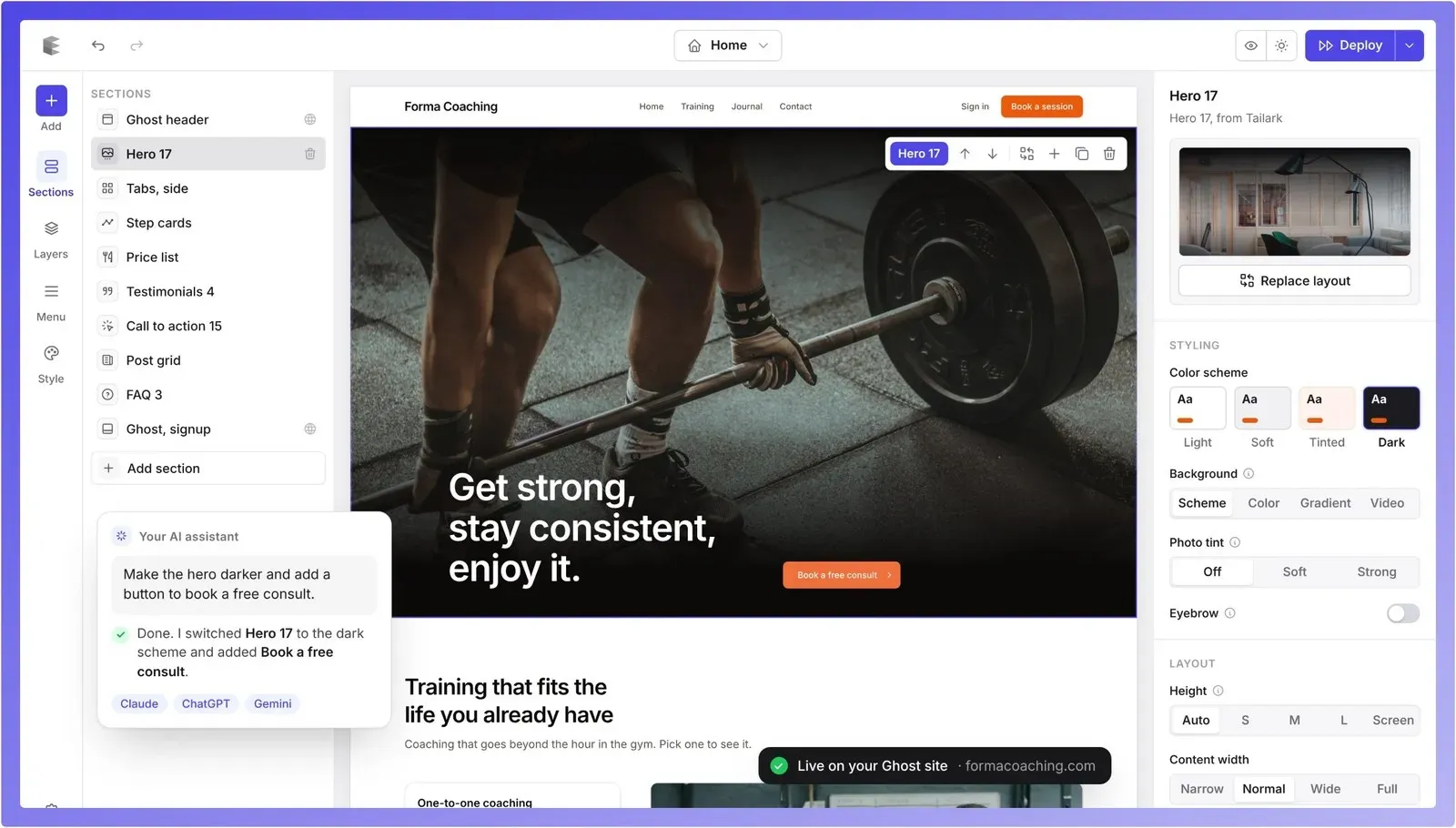
- Design: a theme from Ectobuilder's library of finished themes, then changed section by section. Hero, features, pricing, FAQ, comparison tables and store badges are all ready-made sections.
- Email: Ghost's own system mail goes out through each product's Resend account. More on that in the email post.
- Contact forms: Web3Forms, one key per site, so messages arrive tagged with the product's name.
Where Claude comes in
Ectobuilder has an MCP connector, so Claude can work on a site the same way I do in the editor. In practice that means:
- Building pages from sections. I describe the page ("a features page with three cards and a comparison table") and Claude finds matching sections in the library, places them and fills in the copy.
- Checking its own work. Claude takes a screenshot of the page after each change and fixes what looks wrong. Most layout mistakes get caught before I see them.
- Writing posts as drafts. Guides and launch posts go straight into Ghost as drafts, with images uploaded to the site's storage.
- Tidying the boring parts. Tag descriptions, meta titles, feature images cropped to the right shape, menus.
This blog is an example. Today Claude rebuilt the Projects page, reworked the Services page, recropped thumbnails on a dozen old posts and wrote descriptions for 29 tag pages, all through Ectobuilder.
An afternoon, roughly
- Pick a theme that fits the product's mood.
- Write the one-sentence description first. Everything else on the page follows from it.
- Hero, three or four feature sections, pricing, FAQ, store badges.
- Real screenshots, not mockups. Store-style images for the hero, framed consistently.
- Deploy, then a launch post and the first guide as drafts.
The honest part
Ectobuilder is the tool I use most, and also the product I've found hardest to sell. It was very hard to build and its user base is still tiny. Using it every day for my own sites is the best testing I can give it, and every bug I hit gets fixed. Even the button spacing on the Projects page above was fixed in Ectobuilder this week, because I noticed it on my own site first.
If you run Ghost and want a site that doesn't look like every other Ghost site, try Ectobuilder. It's free to start.
Written by
Builder, product marketer and AI enthusiast. I ship my own apps, like Sift (siftphotos.pro), Penlo (penlo.app), Ectobuilder (ectobuilder.com) and Cubbie (cubbie.pro), and write about building and marketing them with AI.
Keep reading
How I market my apps as a one-person team, with Claude as my marketing department
I build and market close to ten apps on my own. Here is the whole system: real numbers from Search Console, research in Ahrefs, product sites in Ectobuilder, store listings, email in Resend, payments in Polar, and Claude wiring it together.
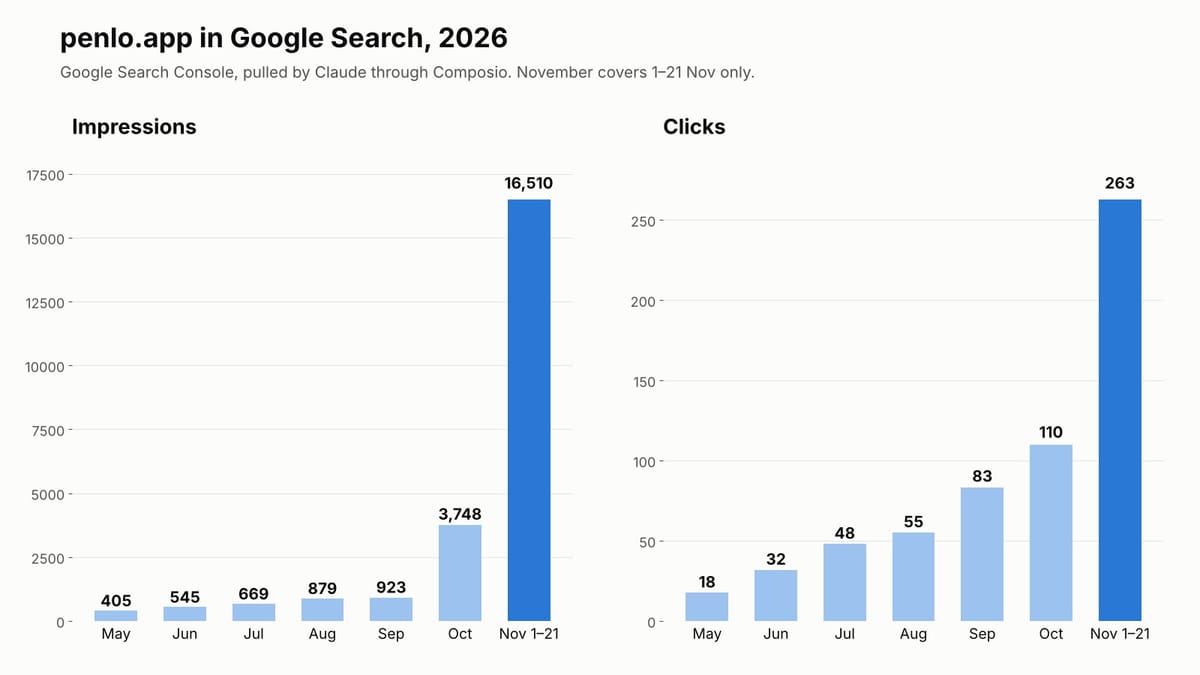
How I use Search Console, Ahrefs and Claude to plan content for Google and AI search
Claude reads Search Console for what's actually working and Ahrefs for what's worth writing next. Here's the loop I use to plan content for Google and for AI assistants, with real data from Penlo.
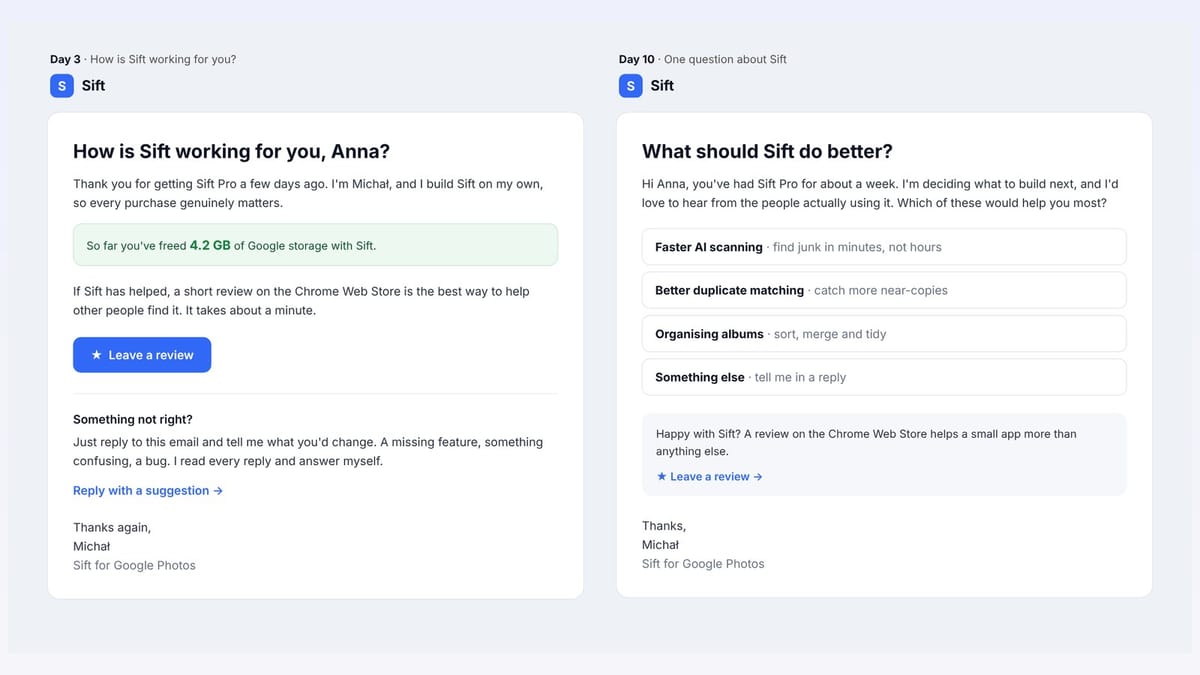
How I use email automation to onboard users and ask for reviews, with Resend
Branded sign-in emails, opt-in product news, and post-purchase emails that ask for a review on day 3 and for feedback on day 10. Here's how the email side of my apps runs on Resend, Supabase and scheduled Claude tasks.