Ectobuilder: design your Ghost theme by clicking, then publish it in one go
I built Ectobuilder because designing a Ghost theme still meant writing Handlebars. Now you pick one of 17 finished themes, change everything on the page, and publish a real Ghost theme to your site in one click.

Michal Wlosik
· 9 min read
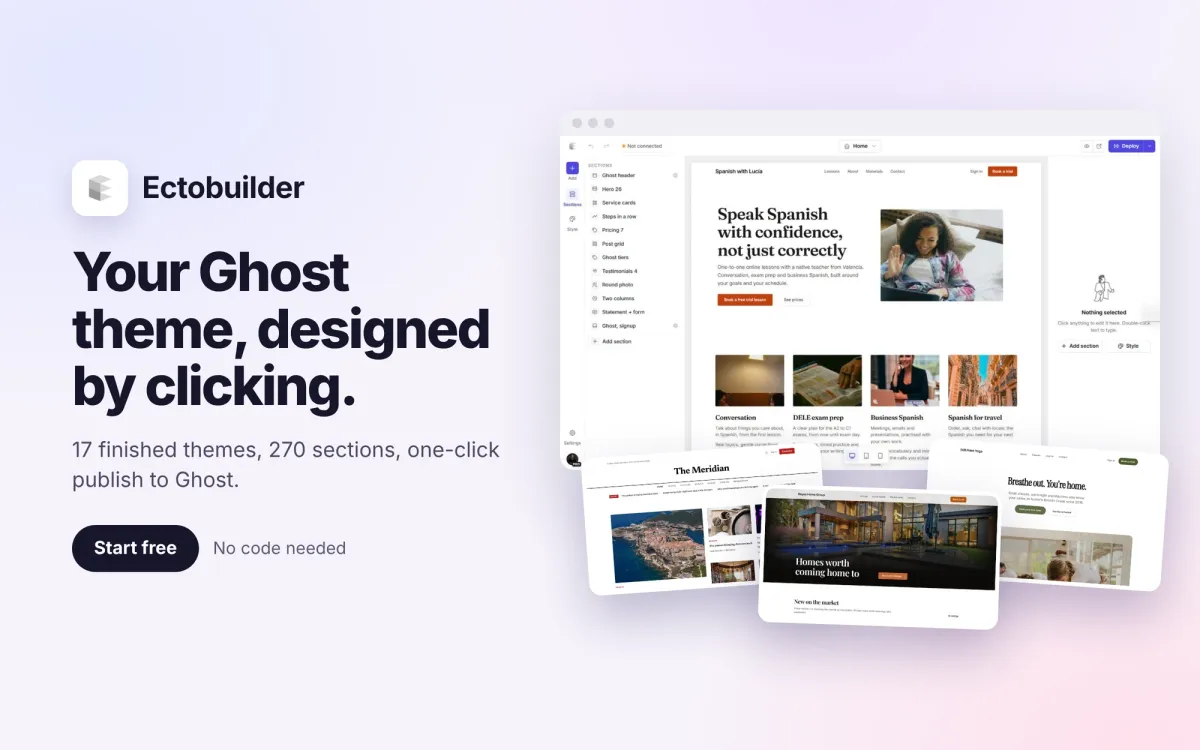
Ghost is the best platform I know for publishing, newsletters and paid memberships. Changing how a Ghost site looks is another story. You either buy a theme and live with its layout, or you open the Handlebars templates and start editing code. I run several Ghost sites, including this one, and I wanted a faster way. So I built Ectobuilder: a visual theme builder for Ghost.
You start from a finished theme or a blank page, change everything right on the page, and publish a real Ghost theme to your site in one click. No Handlebars, no zip files, no developer.
Why I built it
Ghost gives you a great editor for posts. For everything around them, the homepage, the post layout, the header and footer, it gives you a theme. And a theme is code. Most people I talk to who run a Ghost site end up in one of three places:
- Stuck with a theme that's almost right. The layout is close, but the homepage needs a pricing section or a booking button the theme doesn't have.
- Paying a developer for every small change. Moving a section or changing a font becomes a ticket and an invoice.
- Pasting code into Code Injection. Cookie banners, analytics, comments and forms bolted on one script at a time, until something breaks.
Ectobuilder removes that gap. If you can use Canva or Notion, you can design your Ghost theme.
What you get
- A real Ghost theme. Posts, tags, authors, member sign-in, newsletters and paid plans keep working, because it's a standard theme, not a page builder bolted on top.
- Speed. A finished theme in an afternoon instead of weeks of development.
- No lock-in. Download your theme as a .zip whenever you want. It runs without Ectobuilder.
- Everything a Ghost site needs, built in. Contact forms, booking, comments, analytics, cookie consent and more, set up with a switch instead of code.
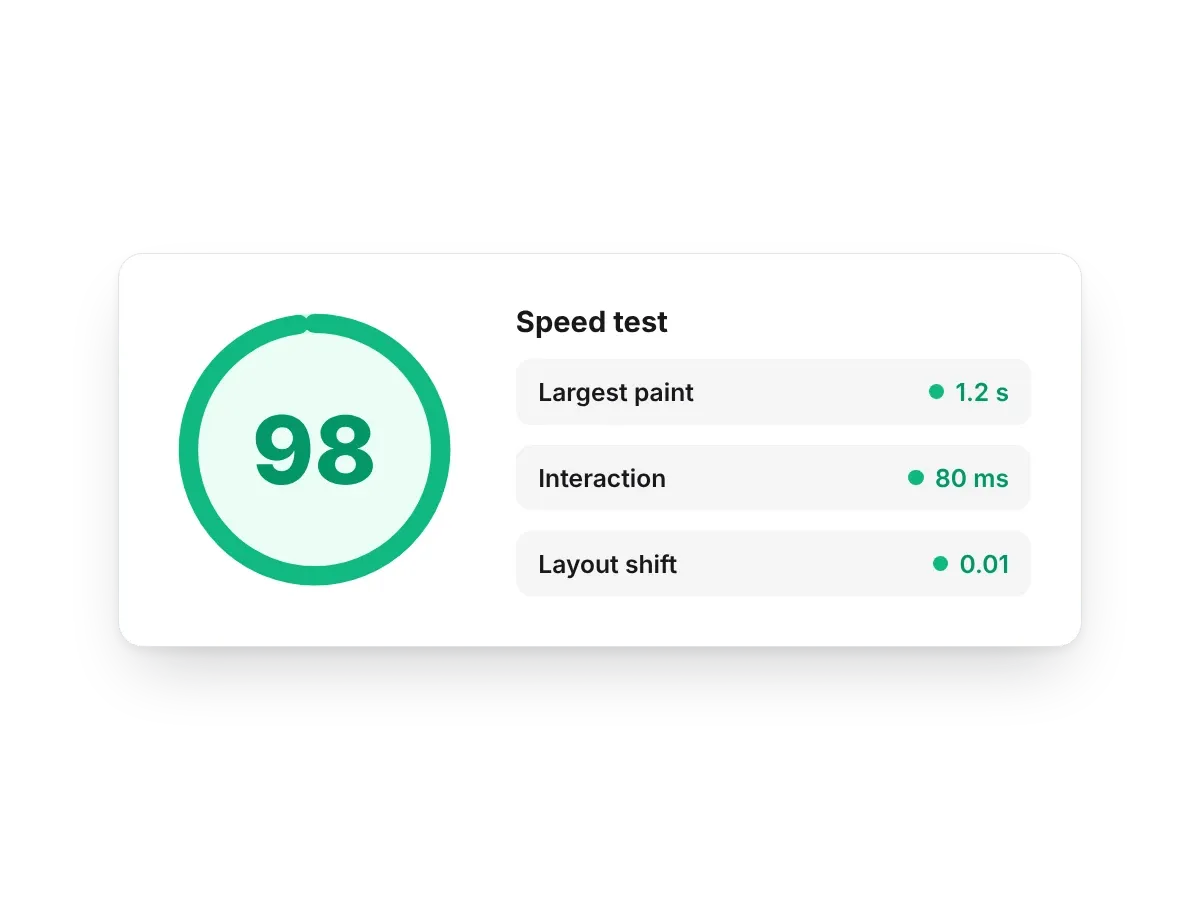
- Fast pages. Themes are built for Core Web Vitals, and there's a speed test right in the editor.
- AI when you want it. Connect Claude and describe the change instead of clicking through it.
How it works
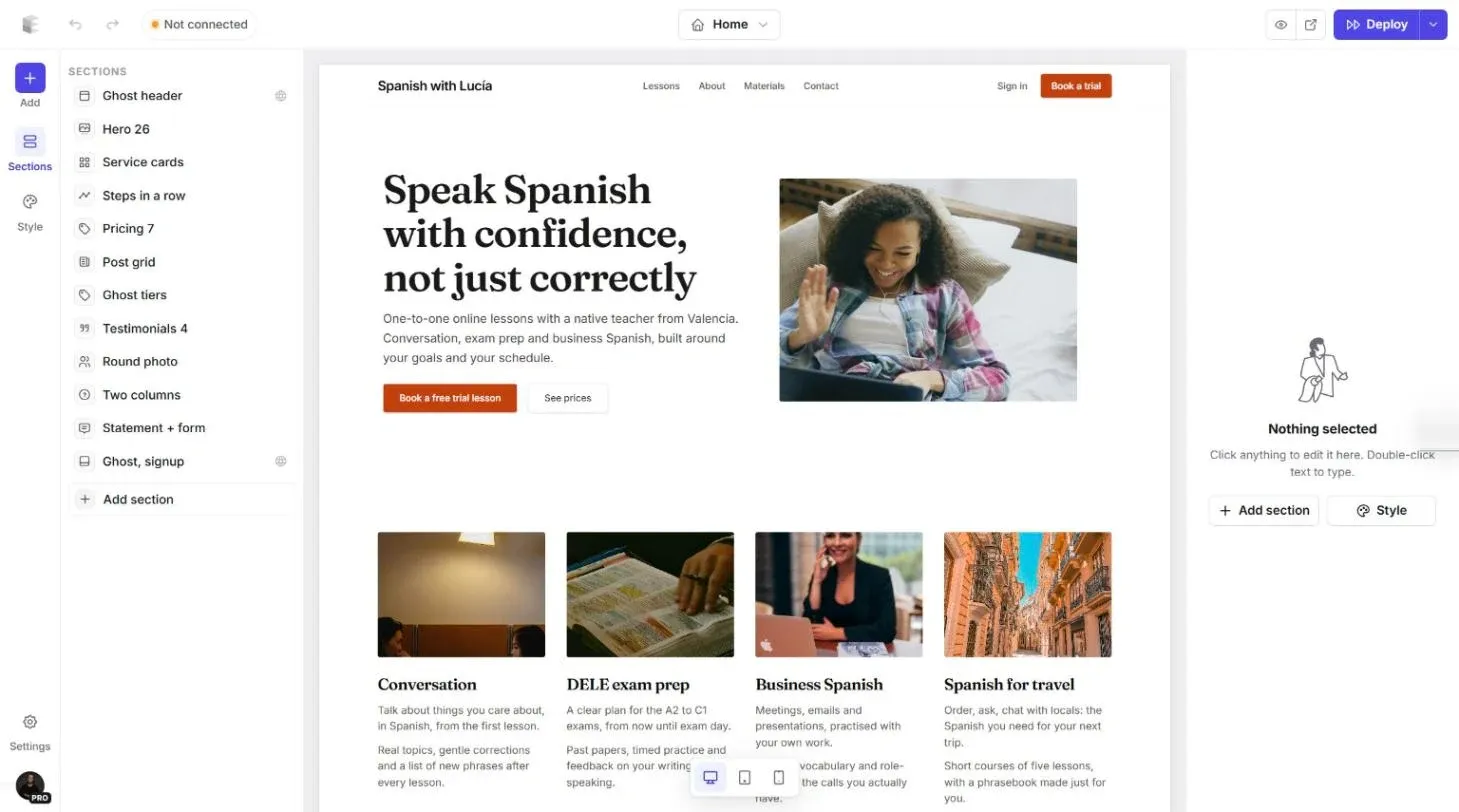
Click anything to change it
Click a heading, a paragraph or a button and edit it right where it sits. The panel on the right shows its settings: alignment, animation, which screen sizes show it. You see straight away whether a headline fits on two lines.
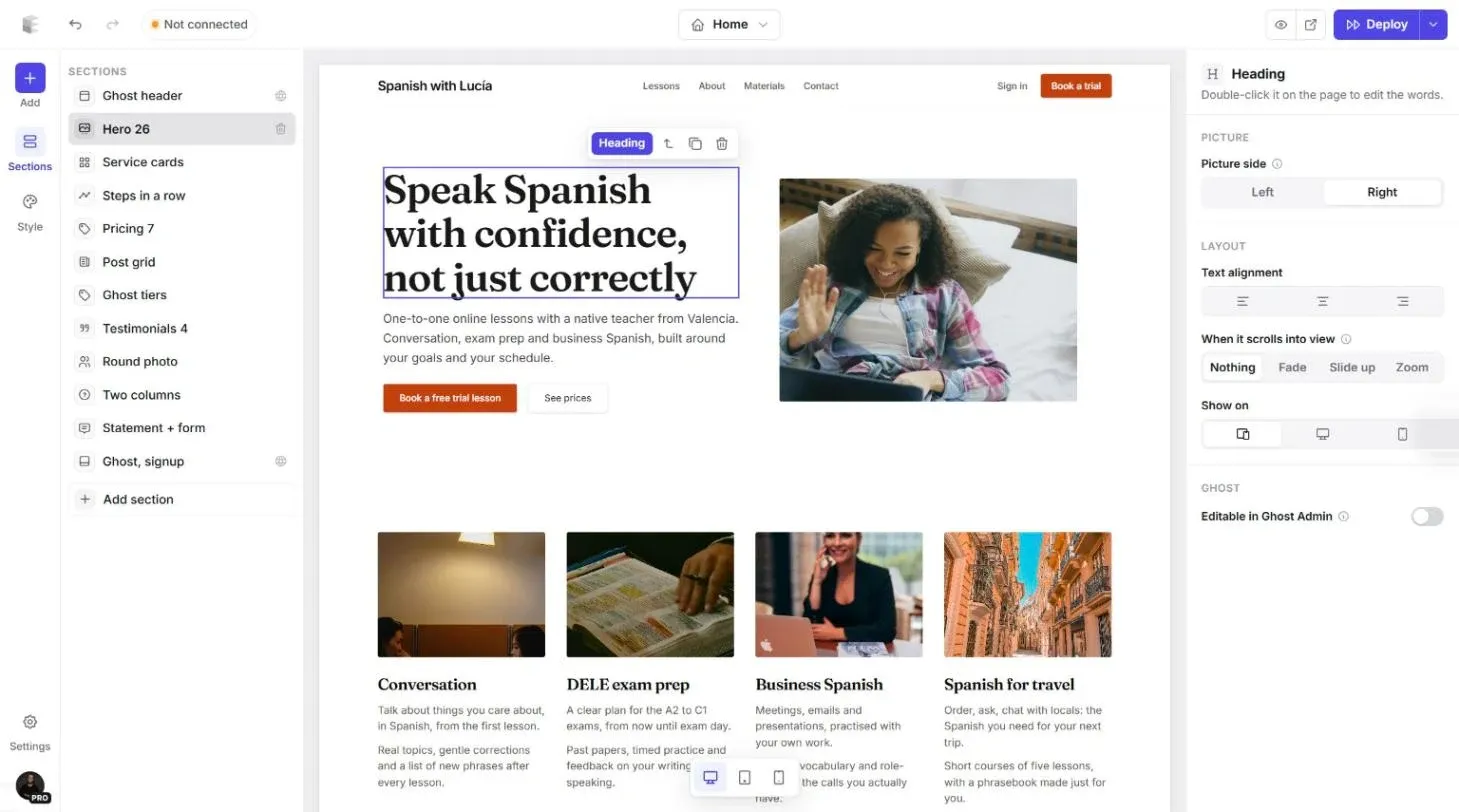
Swap pictures in seconds
Click a picture to change its shape, crop, hover effect or backdrop. Upload your own photos, reuse ones from your Ghost site, or search Unsplash's free library without leaving the editor.
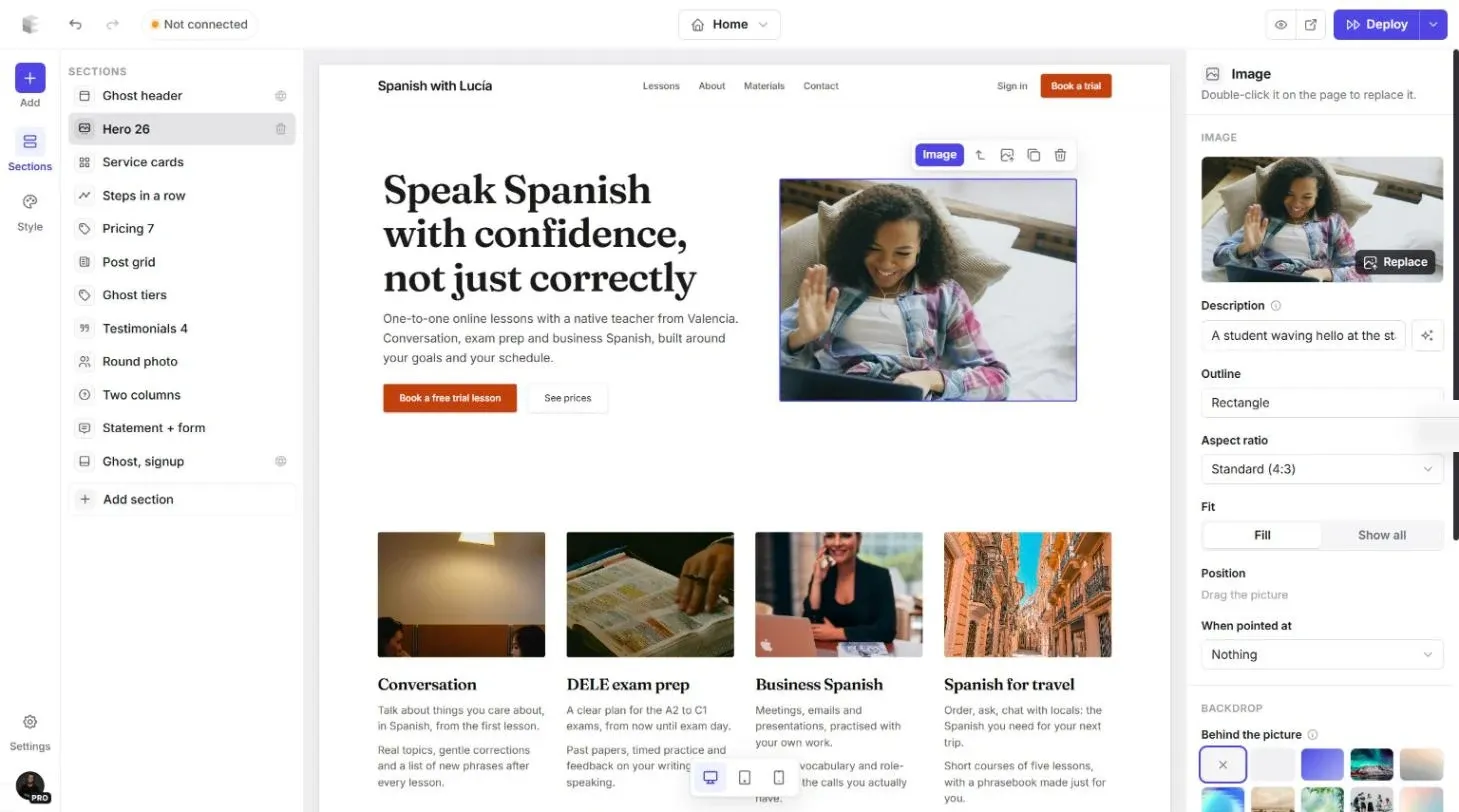
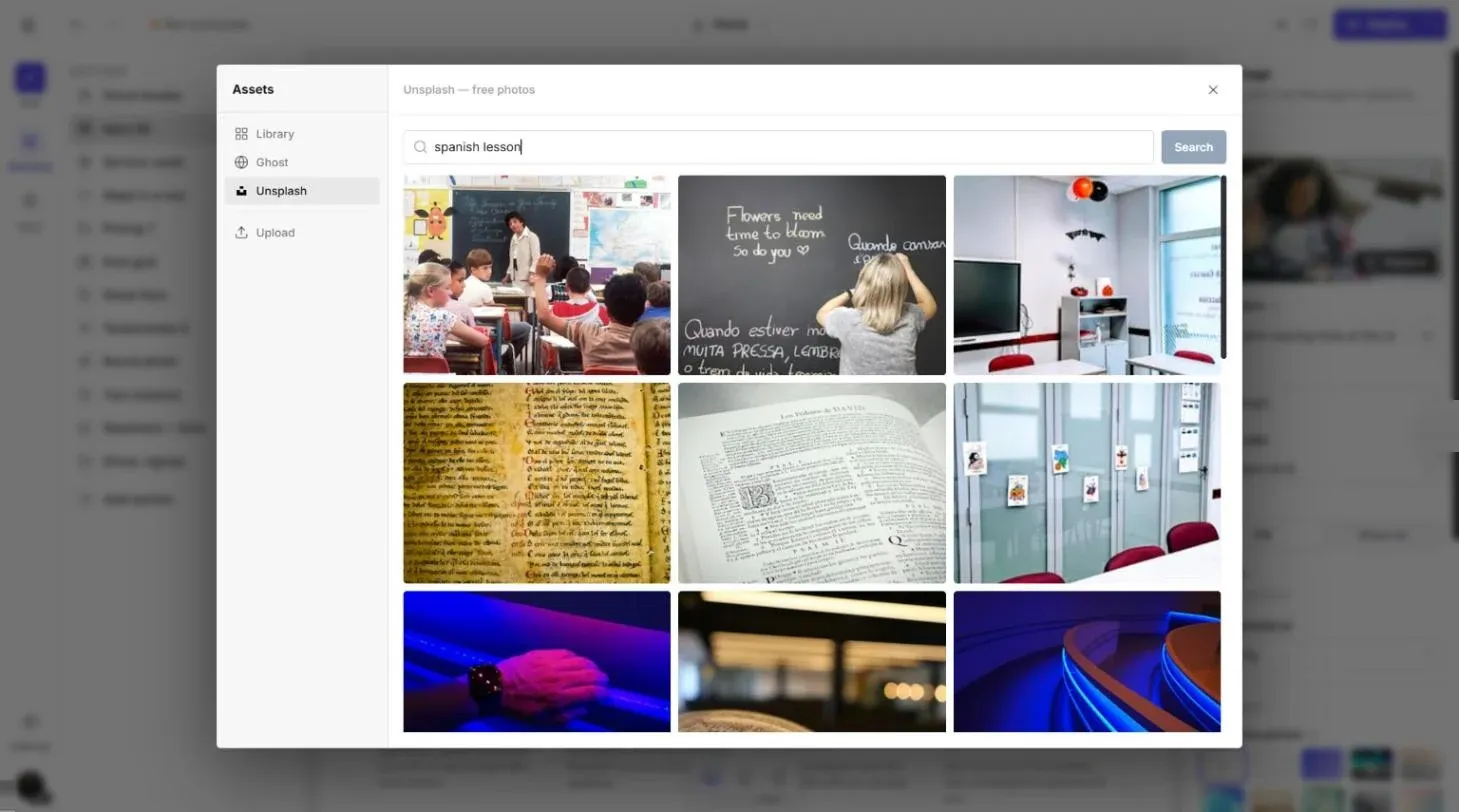
Picture settings and a built-in Unsplash search.
Add sections from a library of 270
Heroes, features, pricing tables, testimonials, FAQs, contact forms, galleries, post lists. Every section shows a preview, picks up your colours and fonts, and works on phones without a separate mobile layout.
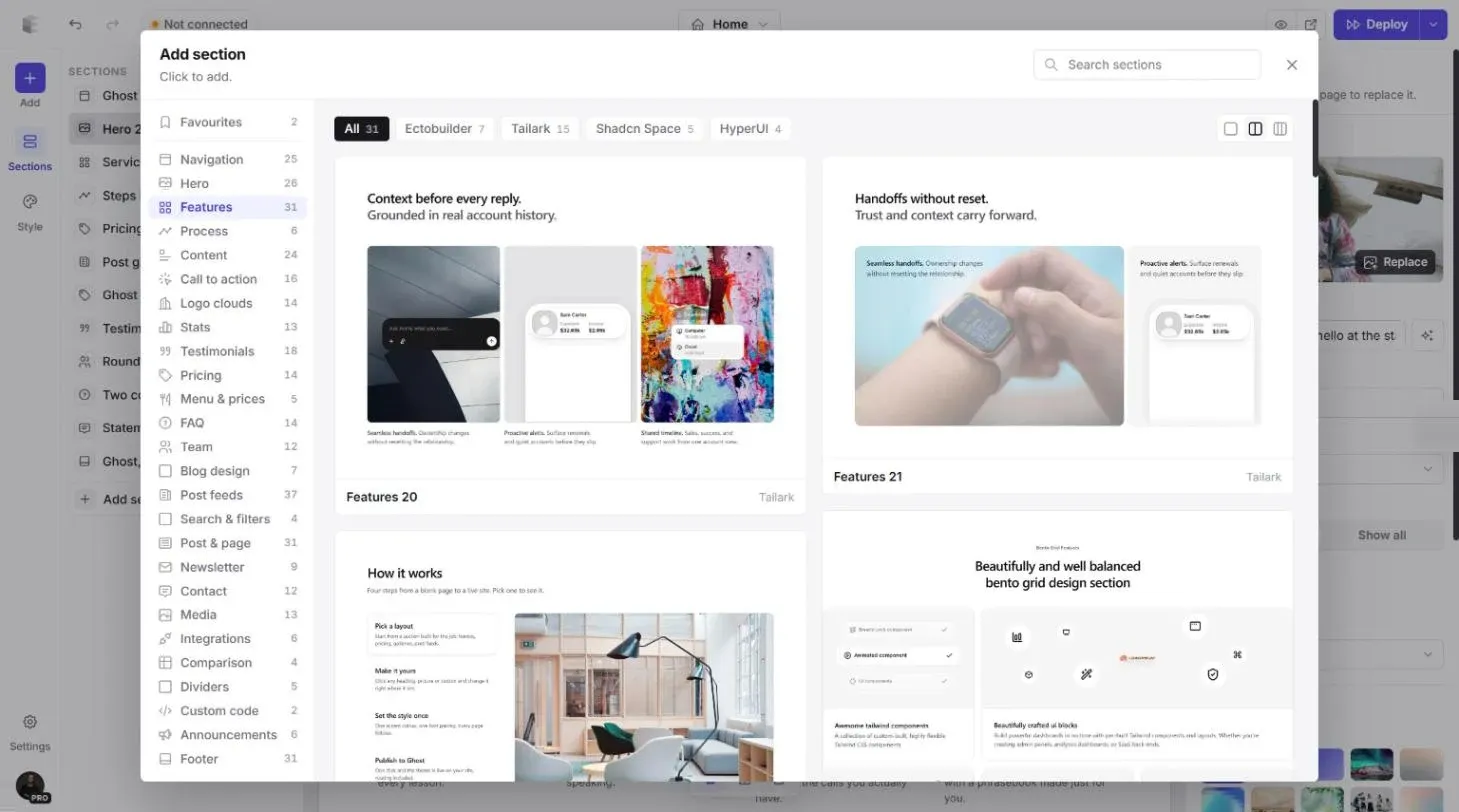
Give every section its own look
Switch a section between light, soft, tinted and dark backgrounds, change its padding, width and columns, or replace its layout and keep your content. Then set your colours, fonts, corners and spacing once in Style, and every page follows.
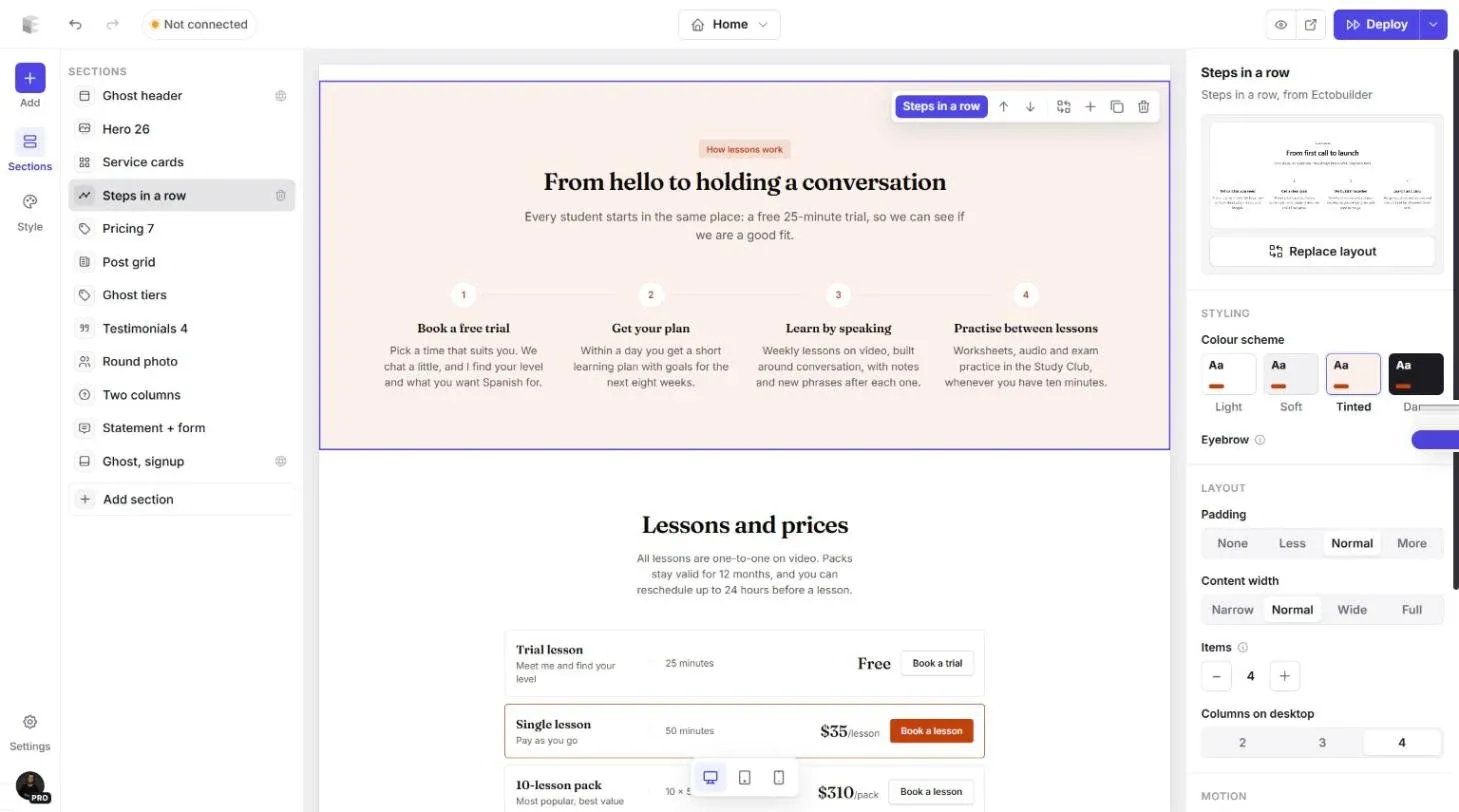
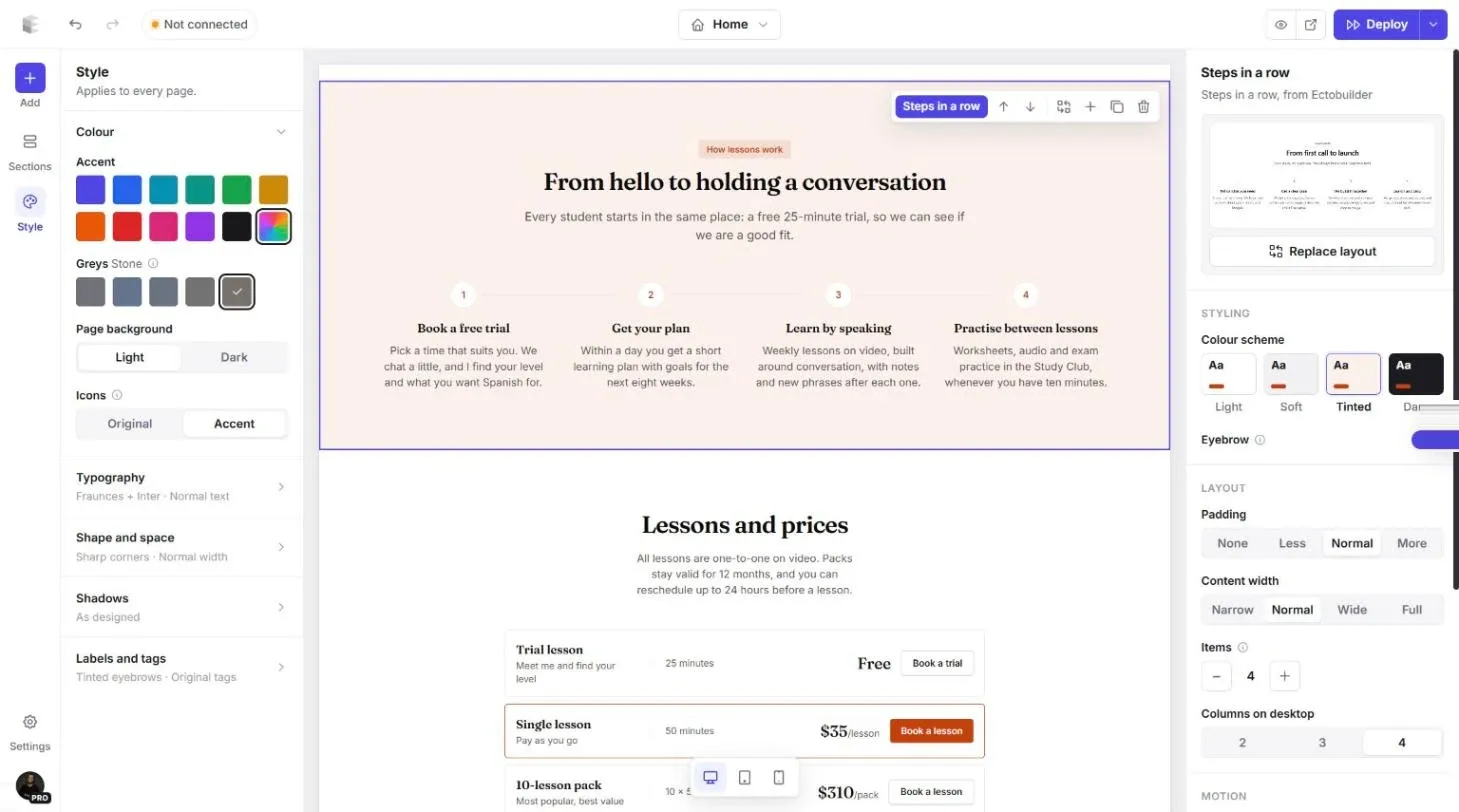
Section colour schemes and site-wide style.
Design every page Ghost needs
Home, blog, post, page, tag, author and the 404 page, plus custom templates for landing pages. Post lists fill themselves with your real Ghost posts: the latest, featured ones, or posts with a tag.
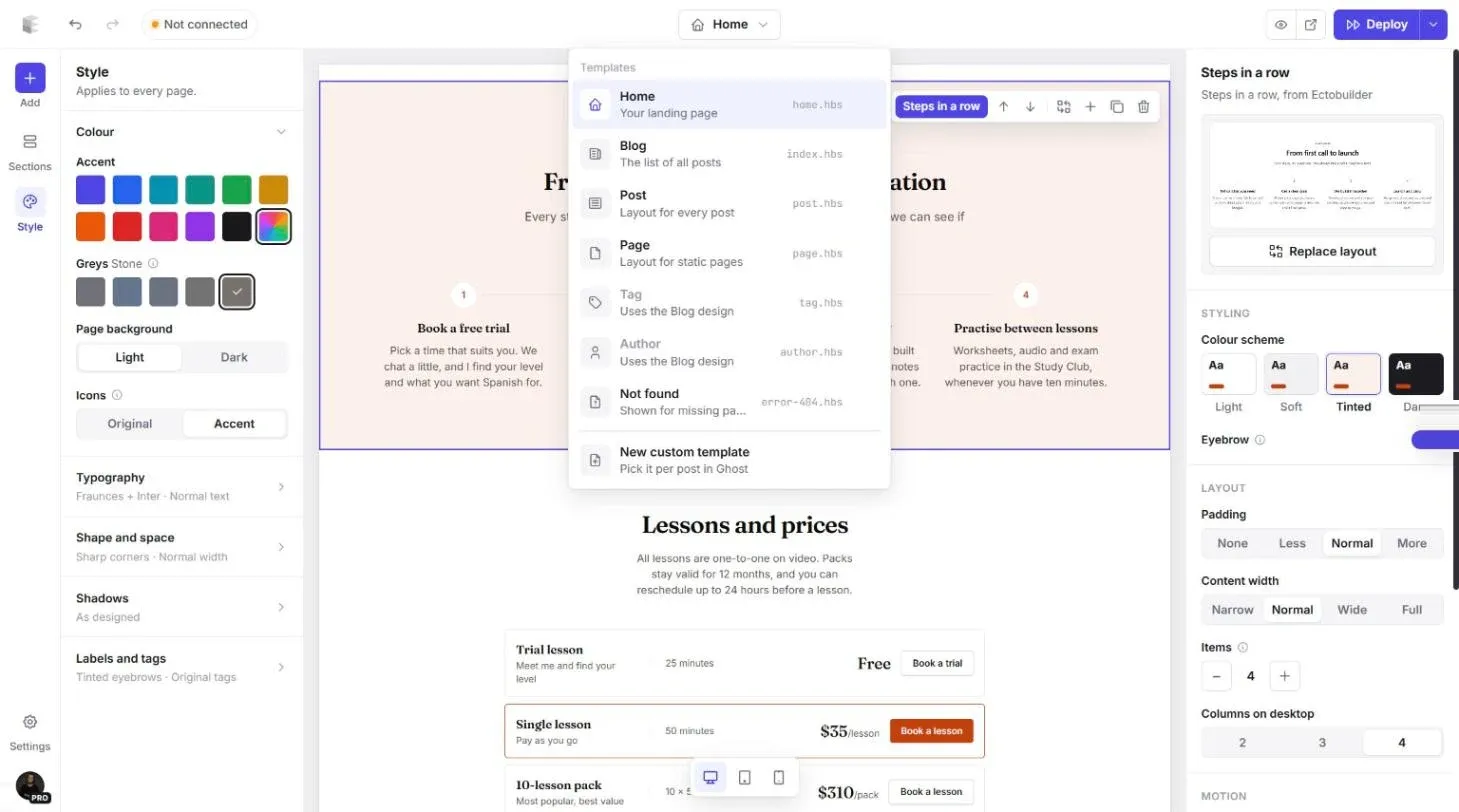
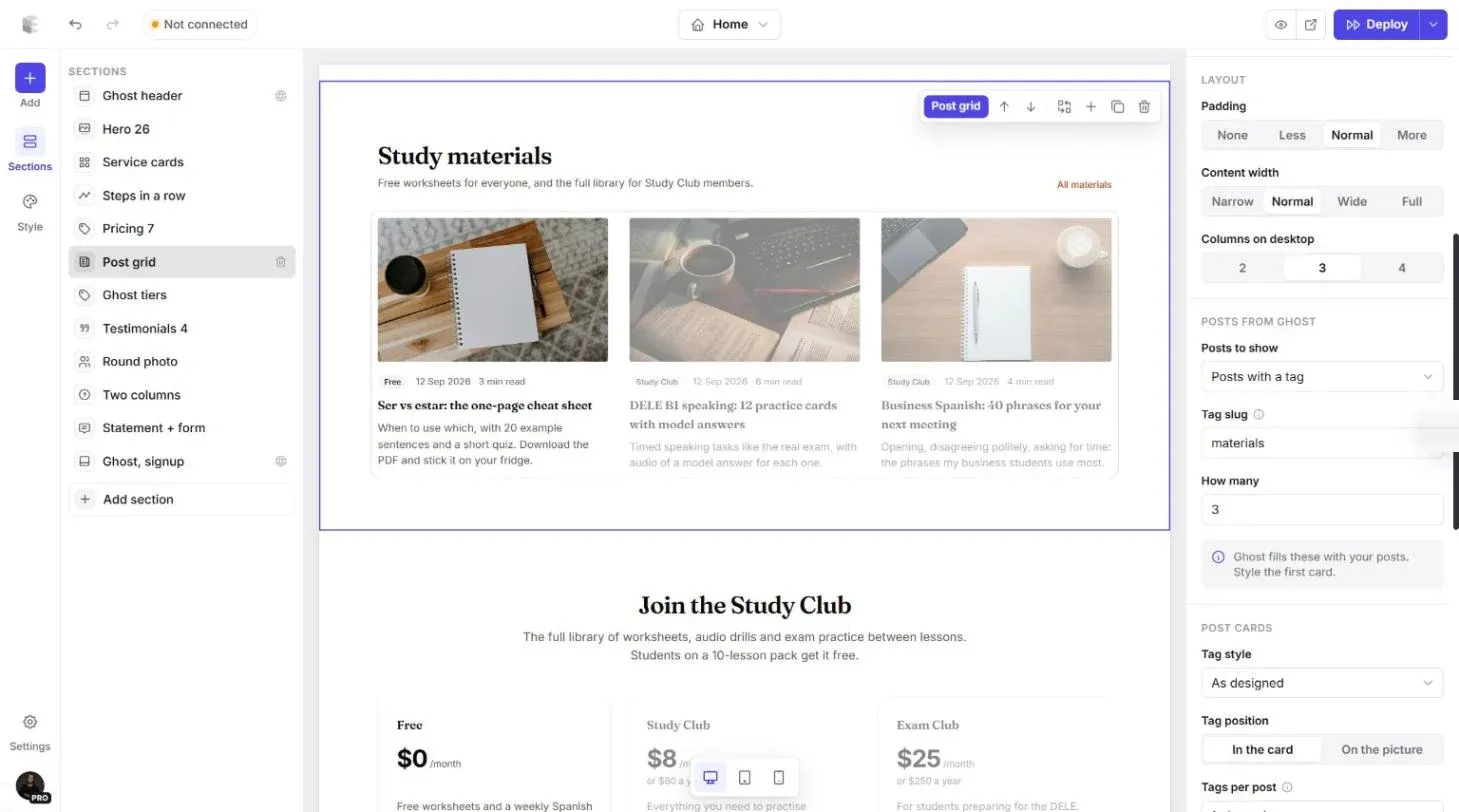
Every template in one place, and post lists that read from Ghost.
Check it on a phone, then publish
Switch the canvas to tablet or phone width to check every page. When it looks right, click Deploy: Ectobuilder builds the theme, uploads it to Ghost and switches it on. Or download the .zip and upload it yourself.
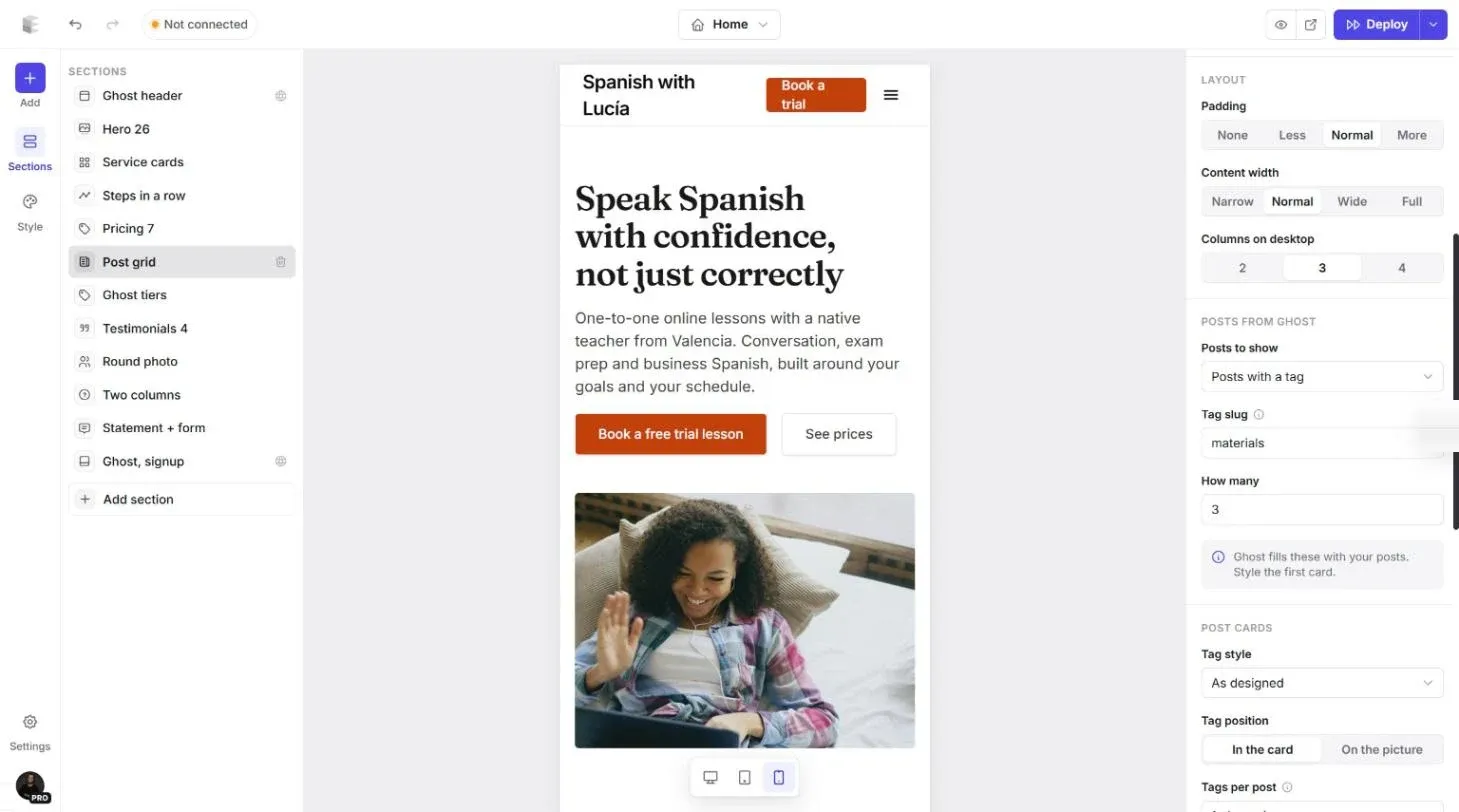
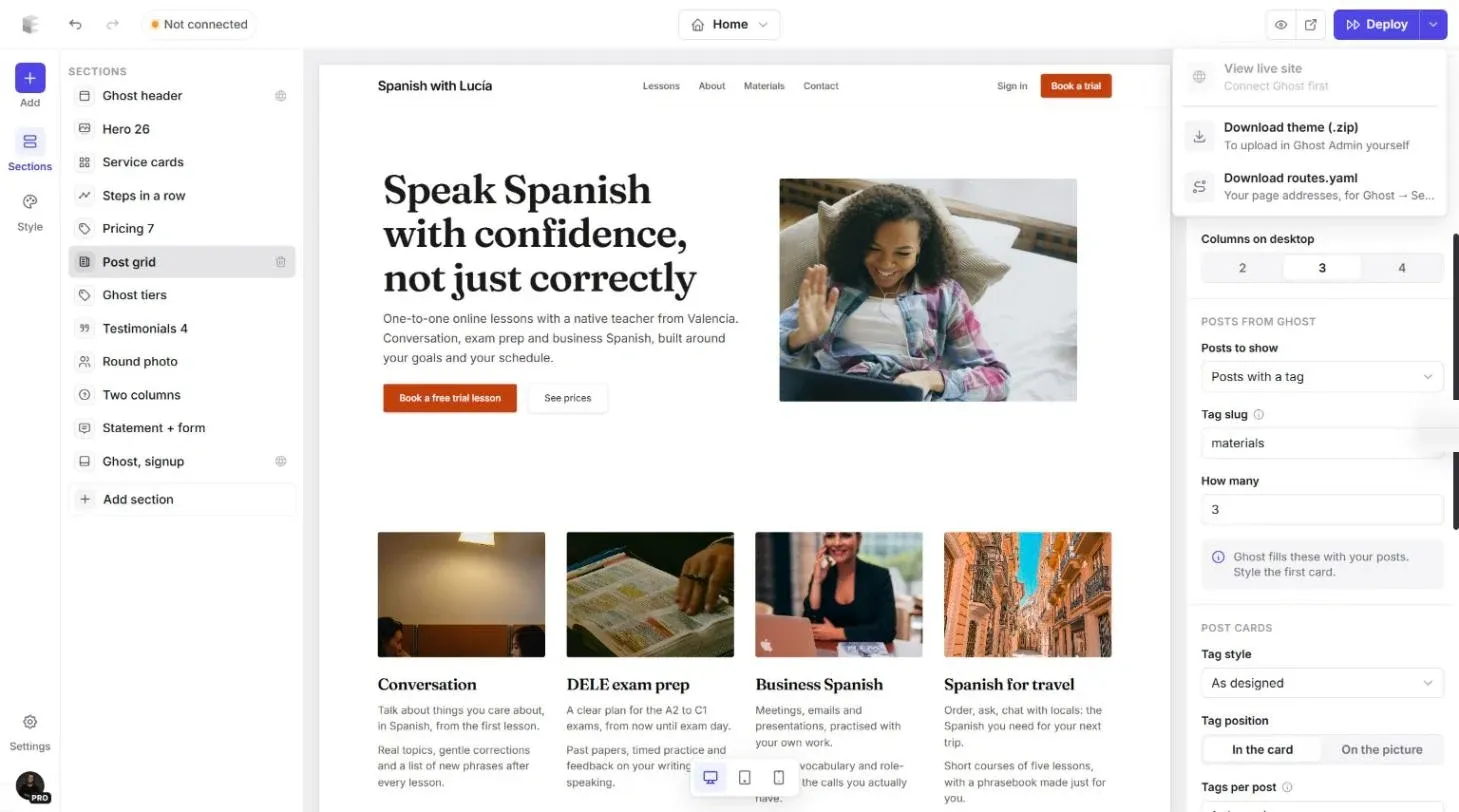
Phone preview and one-click deploy.
I wrote a full walkthrough with every step and screenshot on the Ectobuilder blog:
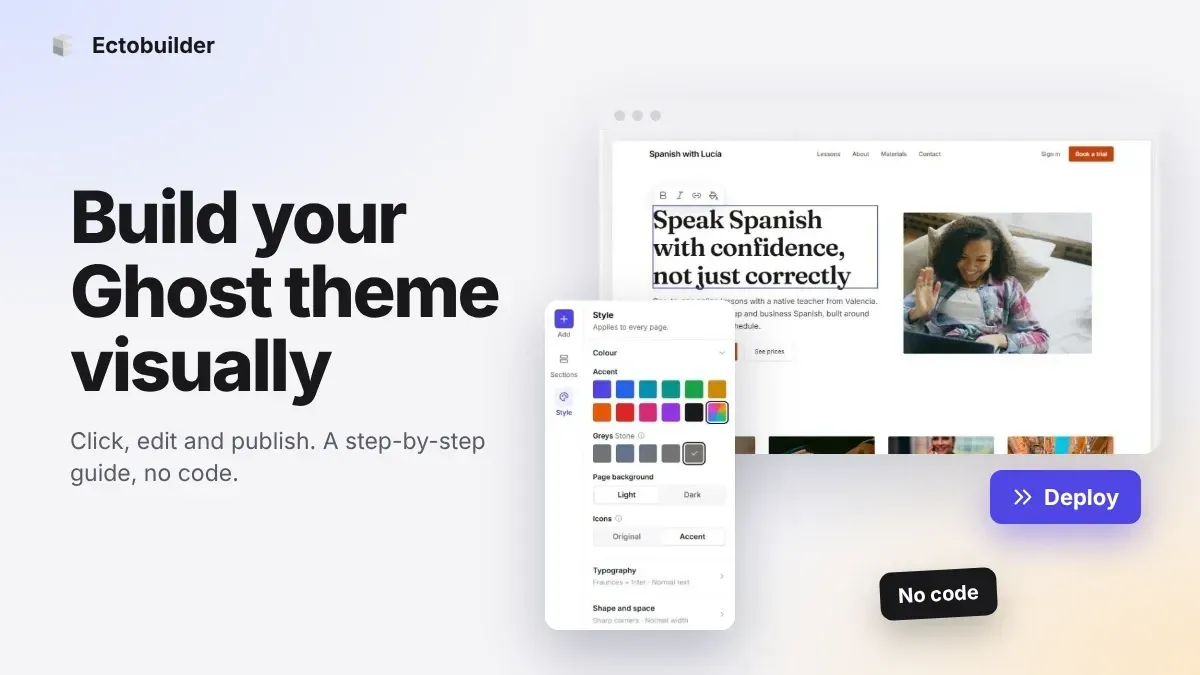
Start from a finished theme
You don't have to start from a blank page. The Ectobuilder gallery has 17 finished themes, each with every page designed and wired up to Ghost. Pick one, click Use this theme, and make it yours. A few of them:
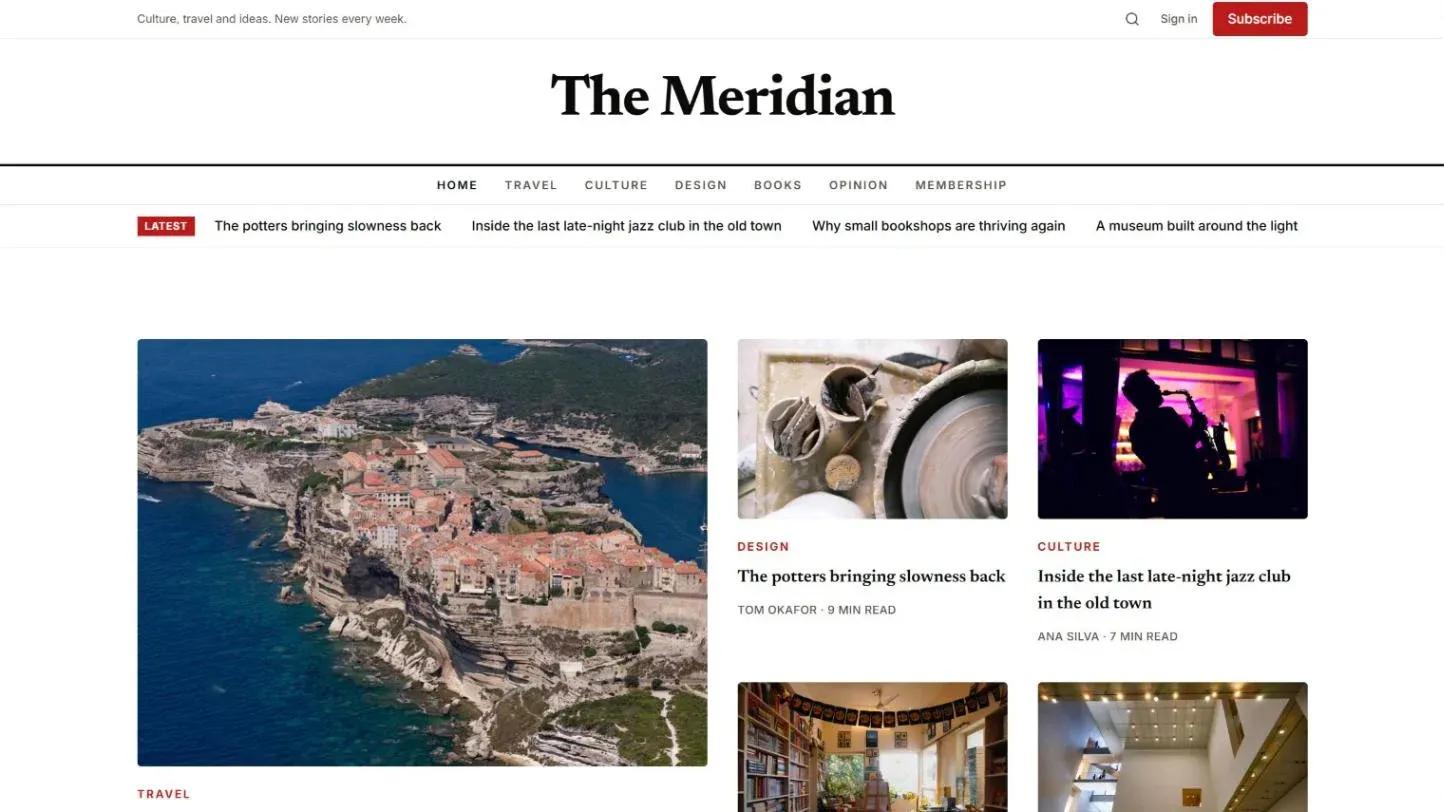
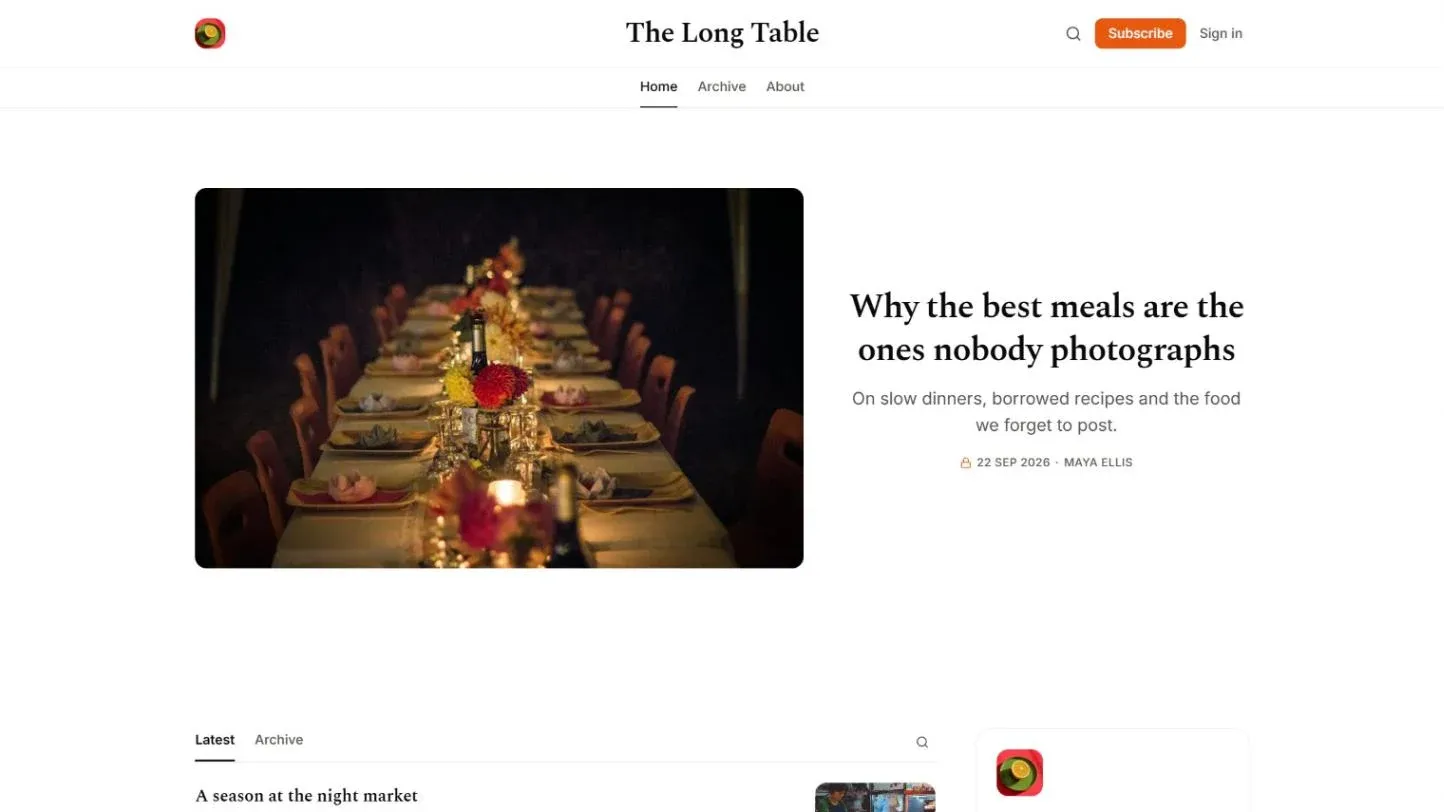
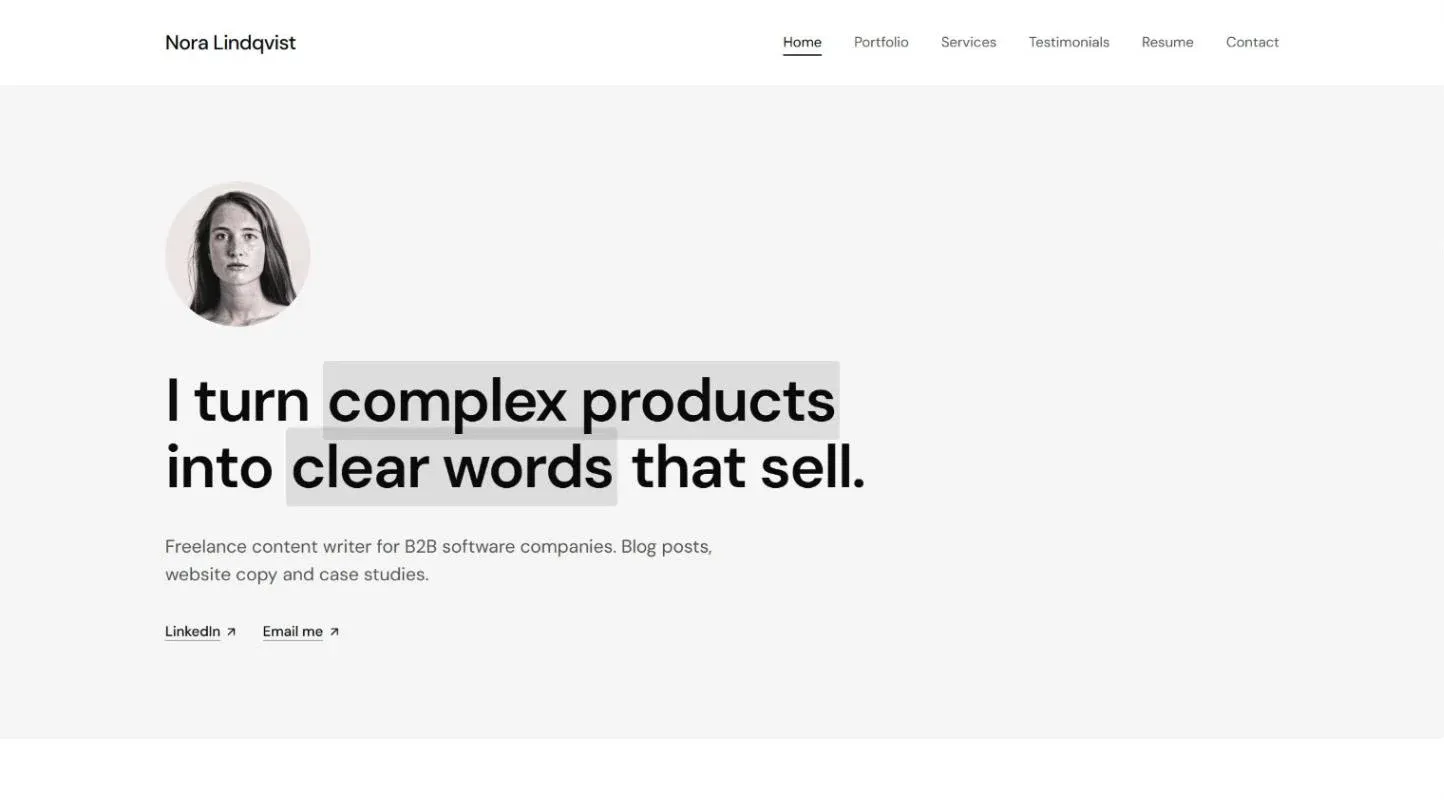
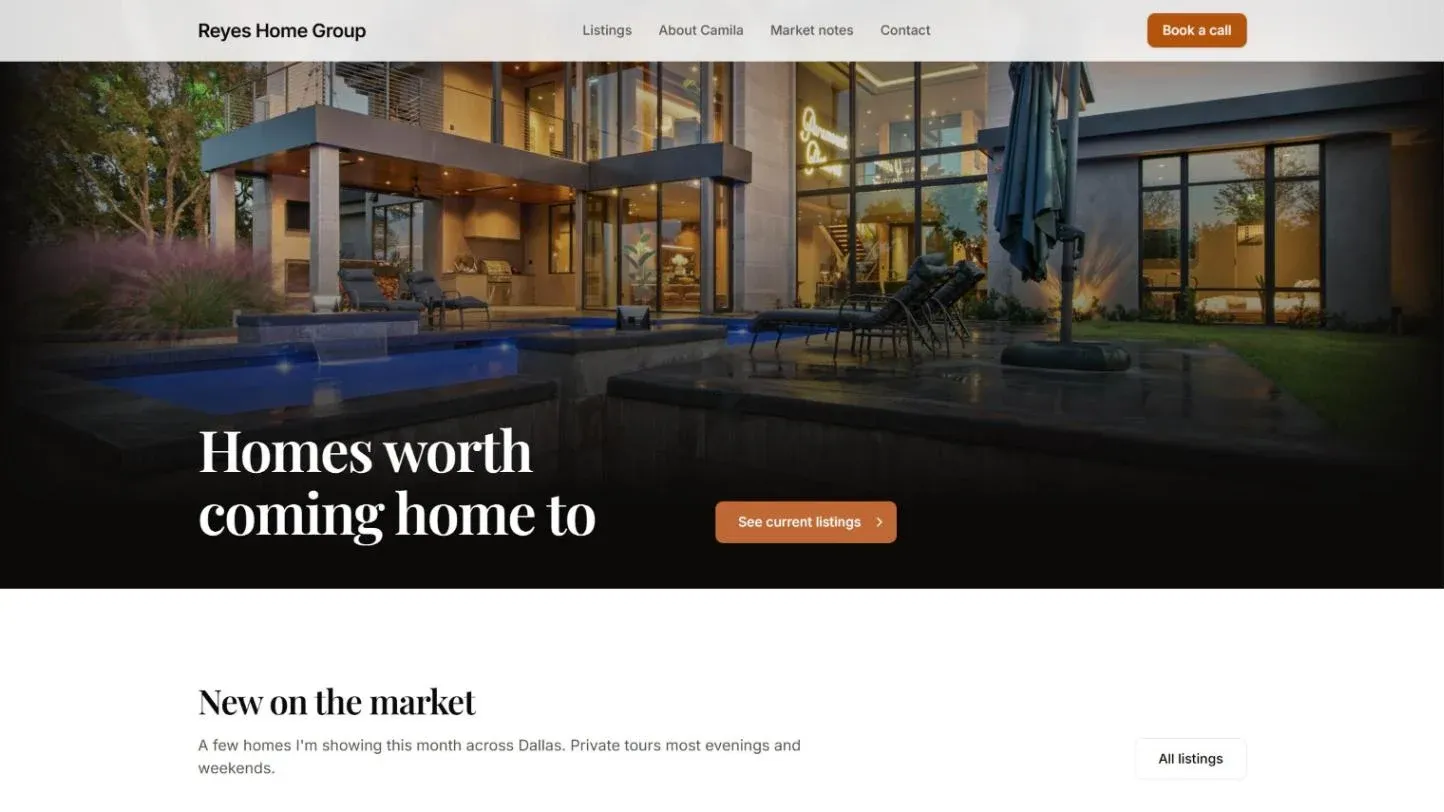
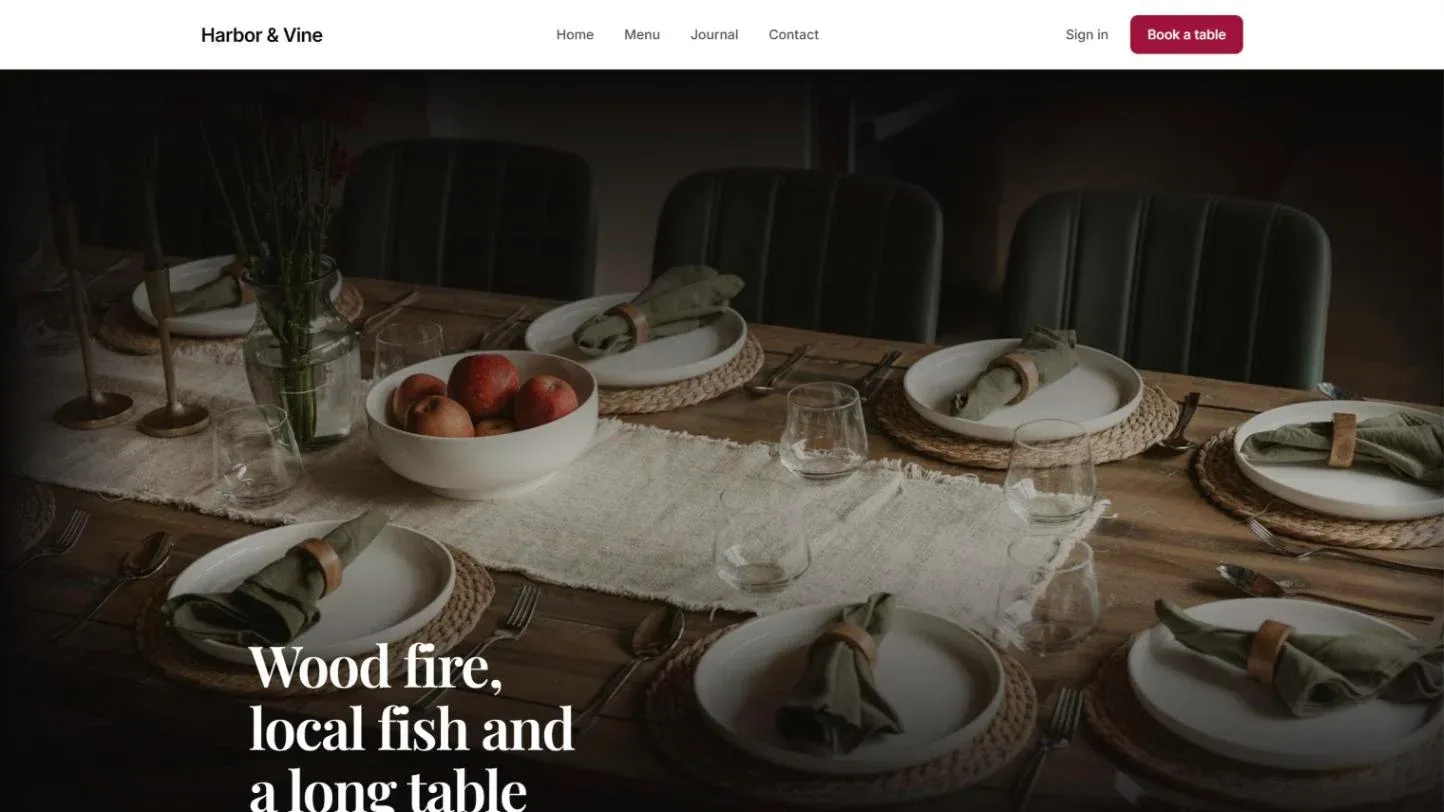
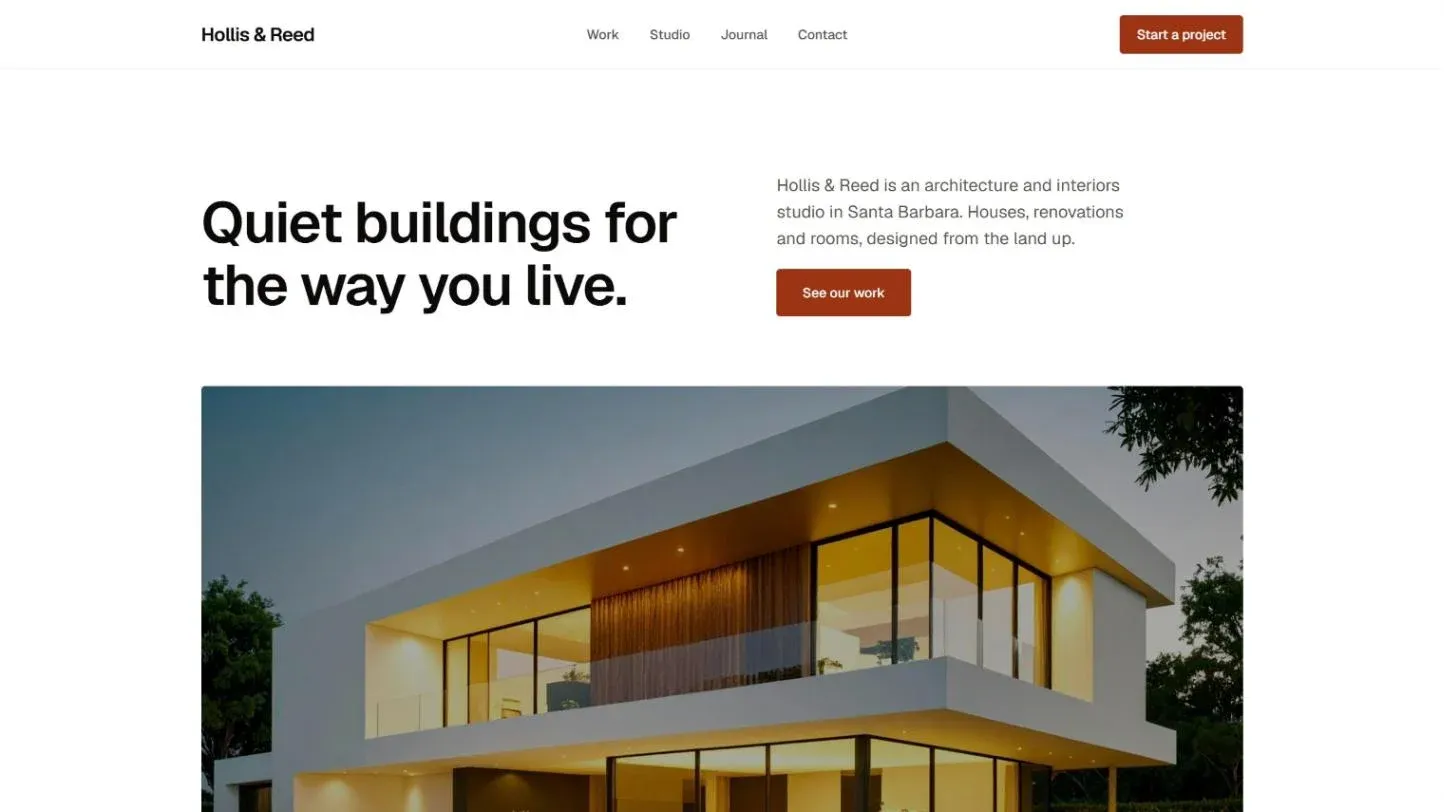
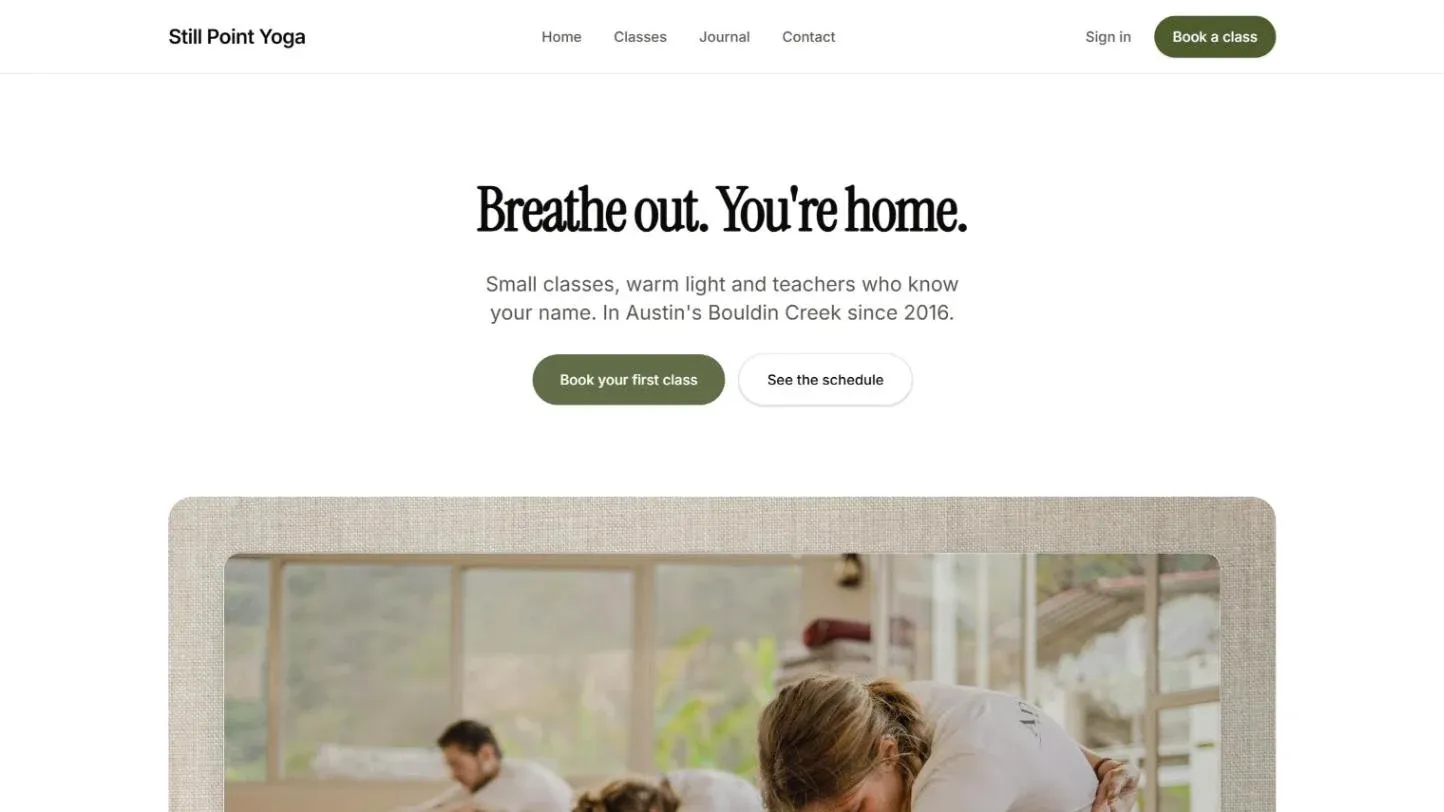
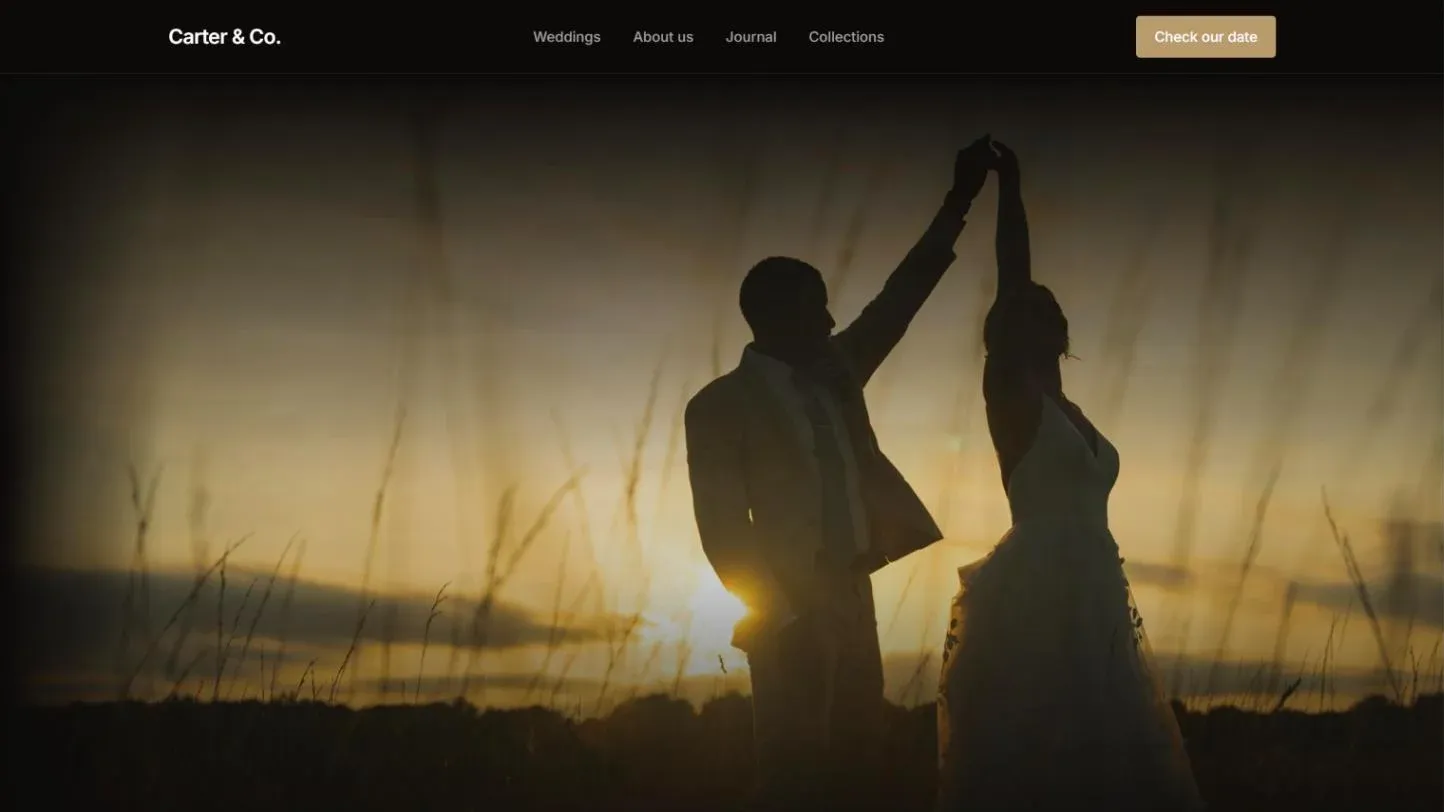
Magazine, Newsletter, Writer Portfolio, Real Estate Agent, Restaurant, Architecture Studio, Yoga Studio and Wedding Photographer.
- For publishers: Magazine, Newsletter, Food Blog and Podcast.
- For freelancers and creatives: Writer Portfolio, Wedding Photographer and Architecture Studio. This site started from the Writer Portfolio theme.
- For local businesses: Real Estate Agent, Language Tutor, Restaurant, Yoga Studio, Personal Trainer, Dentist, Florist, Nail Salon, Barber Shop and Psychotherapist.
The features you'd normally add with code
Every Ectobuilder theme comes with the things Ghost sites usually need a developer or a pile of scripts for. You turn them on in settings.
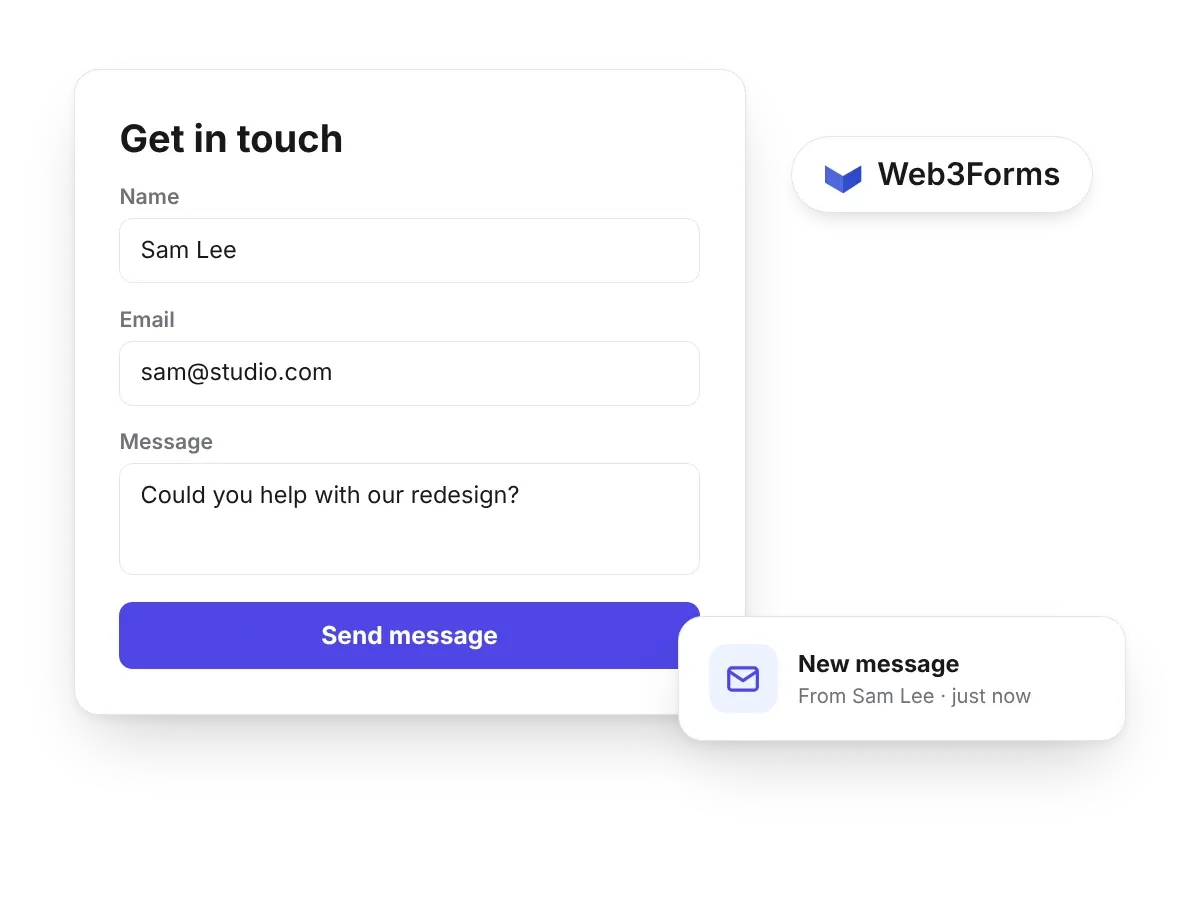
Contact forms, without a form service to wire up
Add a form to any page and every message lands in your inbox. Turn on Web3Forms in settings and you are done.
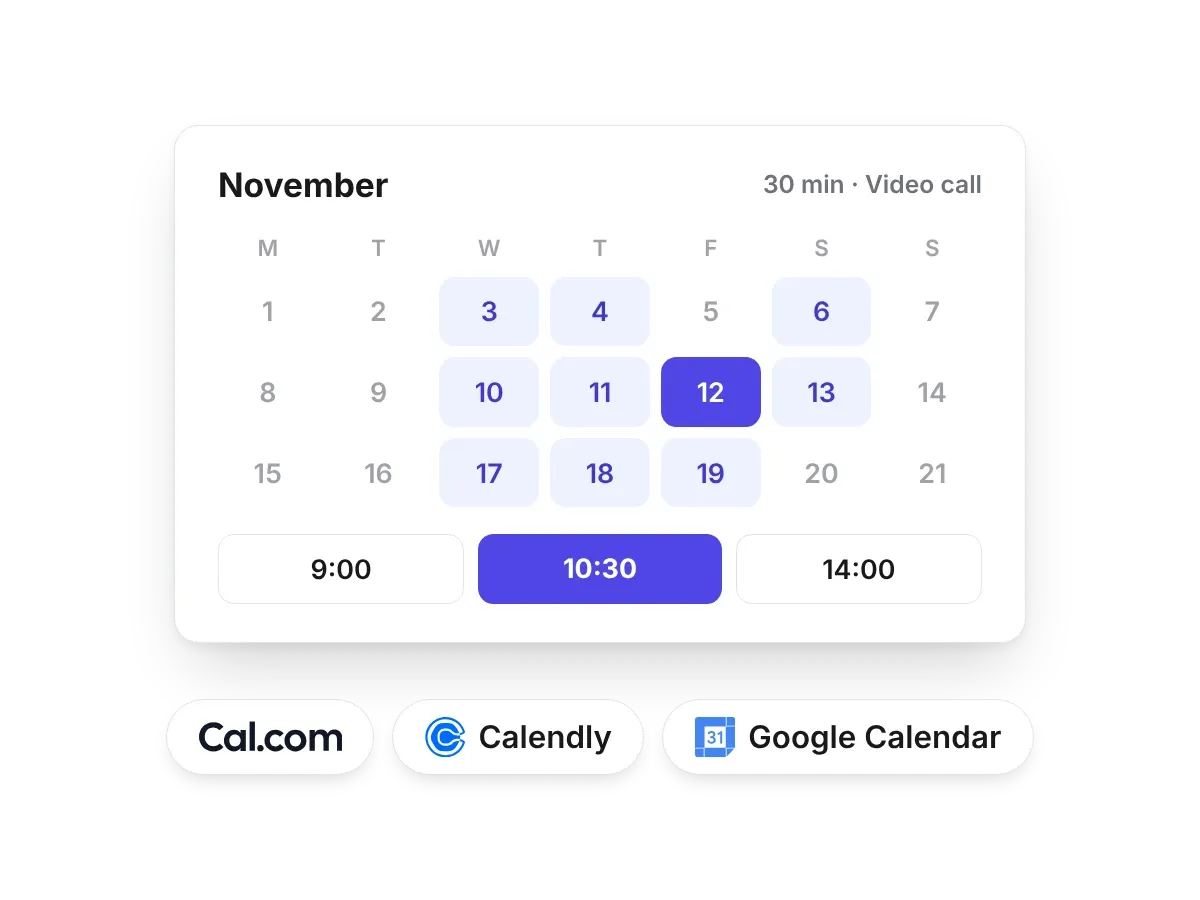
Let clients book you from your site
Booking buttons and embeds for Calendly, Cal.com and Google Calendar, ready for coaches, tutors and local businesses.
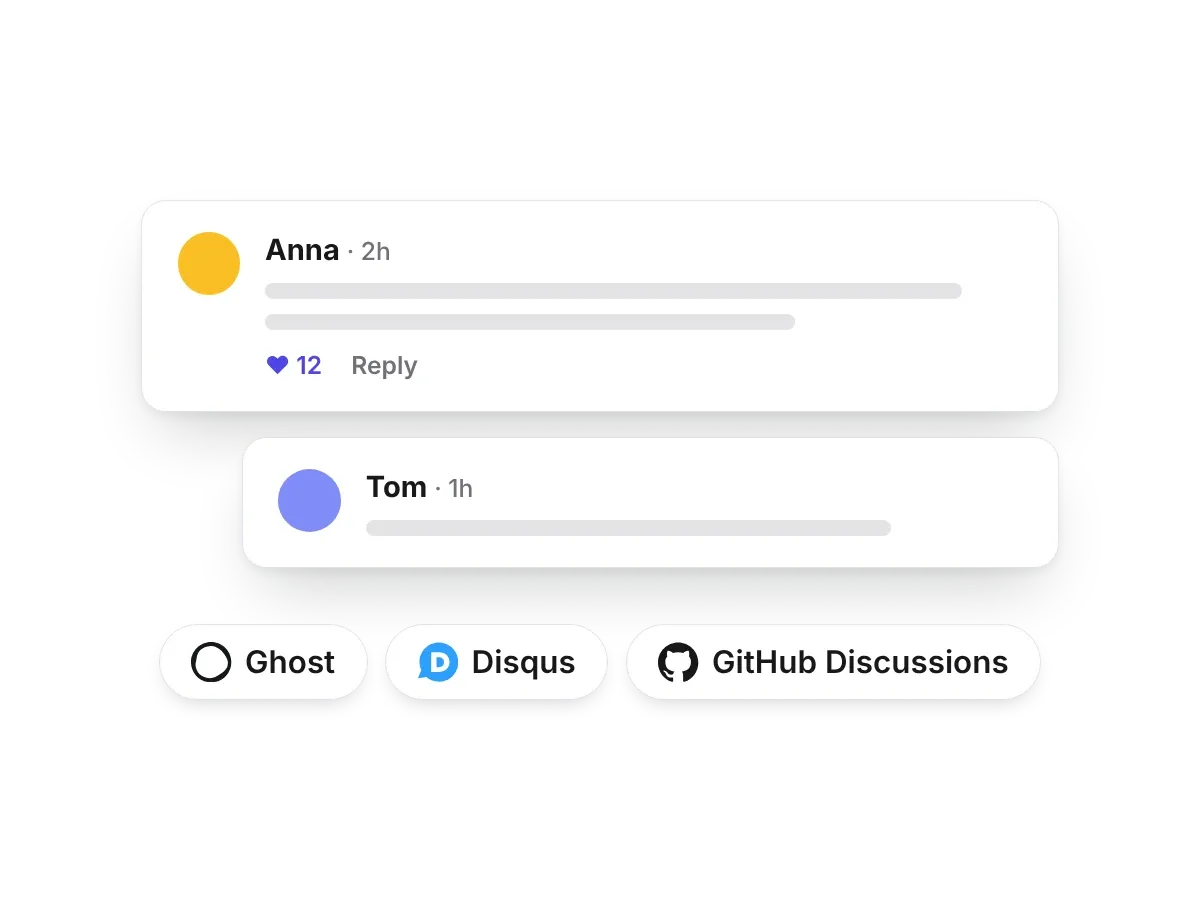
Comments your way
Use Ghost's own member comments, or switch to Disqus, Giscus, Cusdis or Hyvor Talk with one setting.
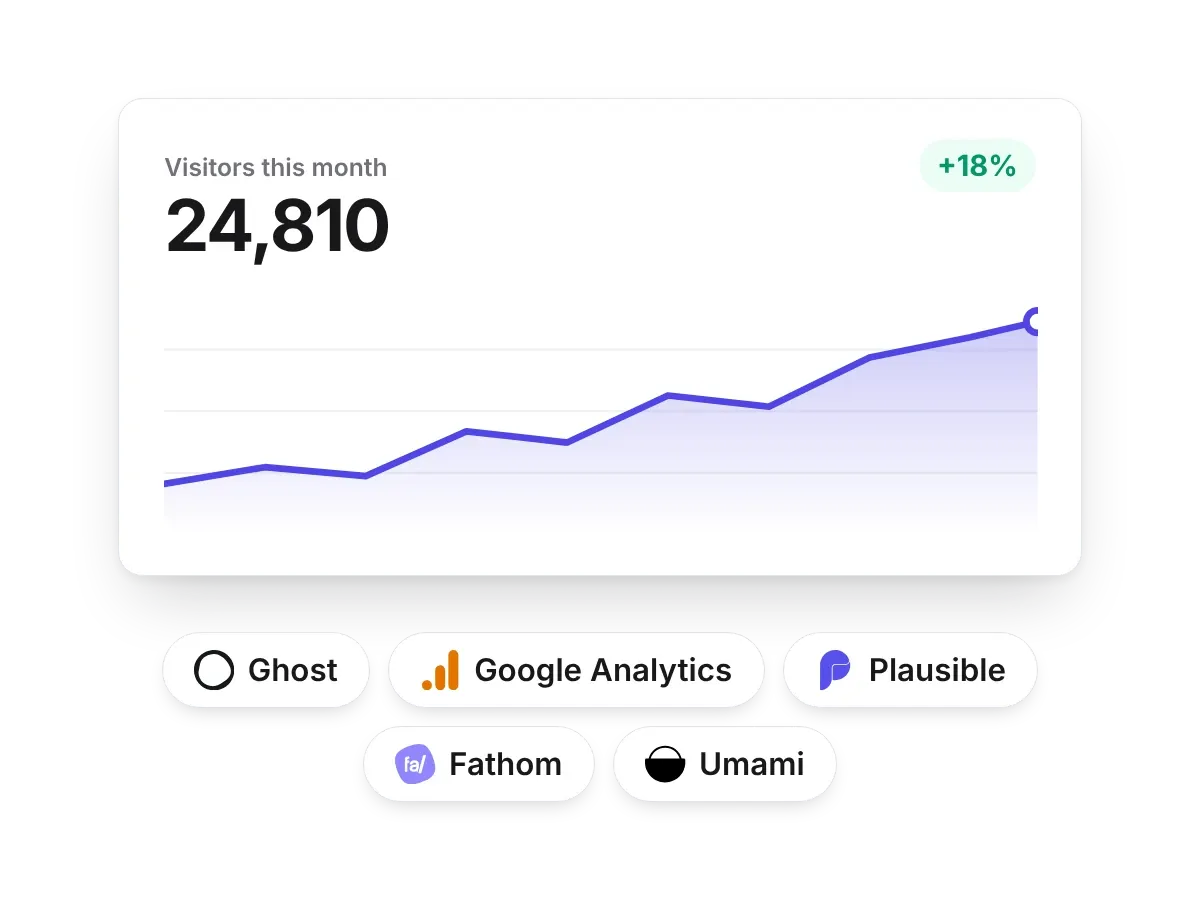
Analytics in one setting
Google Analytics, Plausible, Fathom or Umami. Paste your ID and the theme adds the script on every page.
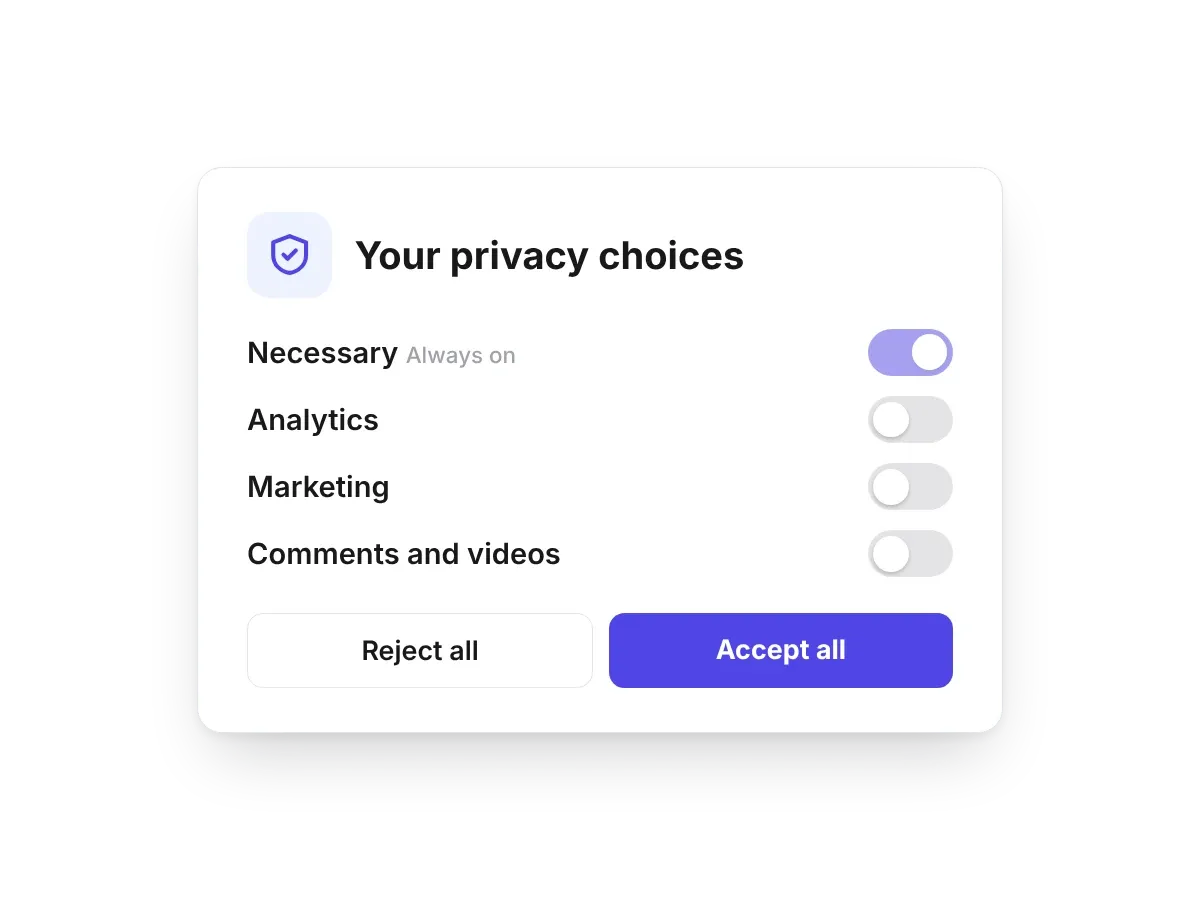
A cookie banner that actually blocks trackers
Analytics, pixels, comments and your own scripts wait until visitors agree. No pasted-in banner that only looks compliant.

Light and dark, the reader chooses
Add a dark mode switch to your header or footer. The dark palette is made from your brand colours.
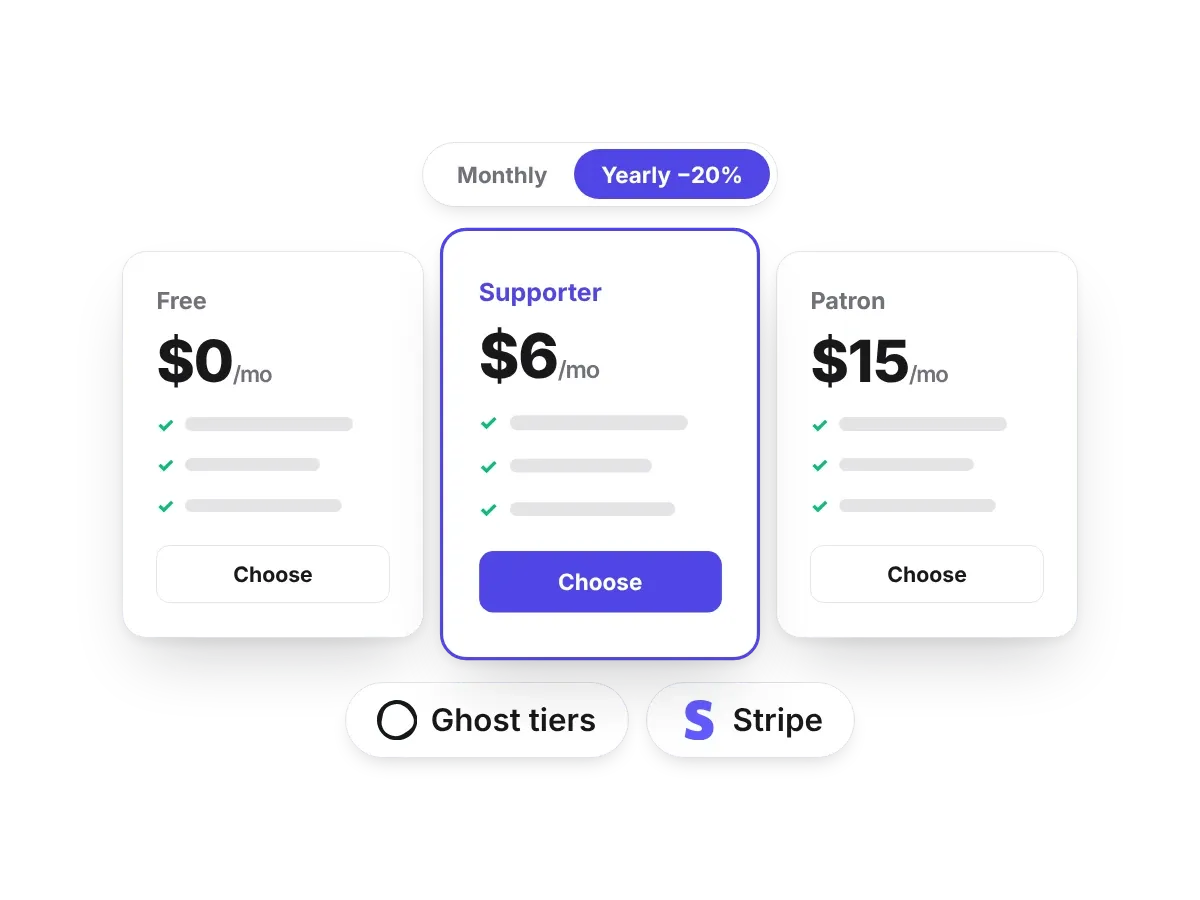
Pricing tables that sell your membership
Read your Ghost tiers or design your own table, with a monthly and yearly switch and a recommended plan.
Fast pages, measured in the editor
Themes are built for Core Web Vitals, with speed settings and a built-in speed test so you can check before you publish.
There's more: tables of contents, a lightbox for your pictures, dropdown menus, breadcrumbs, tag icons and search and filters for your blog.
Build your Ghost theme without code.
Pick one of 17 themes or start from scratch, change it by clicking, and publish it to your Ghost site. Free to start.
Or ask Claude to do it
Ectobuilder also works as a connector for Claude. Describe what you want, "add a pricing section under the hero with my Ghost tiers" or "make the homepage feel warmer", and Claude picks sections, writes the copy, sets the design and can publish the theme. It can write and update your Ghost posts too. Every change shows up in the editor, so you can still fine-tune by hand. Here's how to connect Claude to Ectobuilder, and the prompts and workflows I use.
Where to host your Ghost site
Ectobuilder works with any Ghost site that lets you upload a custom theme. If you don't have one yet, these are the options I'd look at:
- Ghost(Pro): the official hosting from the Ghost team. Updates, email newsletters and backups are handled for you. Custom themes need the Publisher plan or higher.
- Magic Pages: managed Ghost hosting with newsletters included. A good fit if you never want to think about servers, email or updates.
- Hostinger: your own server with Ghost preinstalled, 4GB of RAM from $6.49 a month and a free domain for the first year. See my step-by-step Hostinger guide.
- DigitalOcean: a 1-Click Ghost droplet if you're comfortable running your own server. New accounts get free credit through this link.
Ghost preinstalled, 4GB of RAM, from $6.49 a month.
Start your Ghost site on Hostinger and get 20% off your first purchase through my link.
For a full comparison with prices, see cheap Ghost hosting and Ghost(Pro) vs other Ghost hosting.
FAQ
Do I need to know code?
No. You design by clicking, and Ectobuilder writes the Handlebars templates, CSS and JavaScript for you.
Is it free?
You can design, preview and download themes for free. One-click deploys to your Ghost site come with a paid plan.
Will my posts and members be affected?
No. Your posts, pages, members and newsletters live in Ghost, not in the theme. Switching themes changes how they look, nothing else.
Can I keep the theme if I stop using Ectobuilder?
Yes. Download it as a .zip at any time. It runs on its own, without Ectobuilder.
Does it work with my Ghost host?
Yes, if your host lets you upload a custom theme. Self-hosted Ghost, managed hosts and Ghost(Pro) from the Publisher plan up all do.
Try it
Ectobuilder is live, and I use it to build and run this site. Pick a theme, change it until it feels like yours, and put it on your Ghost site the same day. If you try it, I'd love to hear what you build. I'm on LinkedIn.
Your Ghost theme, designed by clicking.
17 finished themes, 270 sections and one-click publishing to Ghost. Start free and pay only when you want to deploy.
Some links in this post are affiliate links: if you sign up through them, I may earn a commission at no extra cost to you.
Written by
Keep reading
Junction: a free Windows app that opens every link in the right browser profile
Windows sends every link to one browser and ignores your profiles. Junction is a free app that opens Slack, Teams and Outlook links in the right Chrome or Edge profile, and asks only once.