The problem no one satisfactorily solved (but every video creator has)
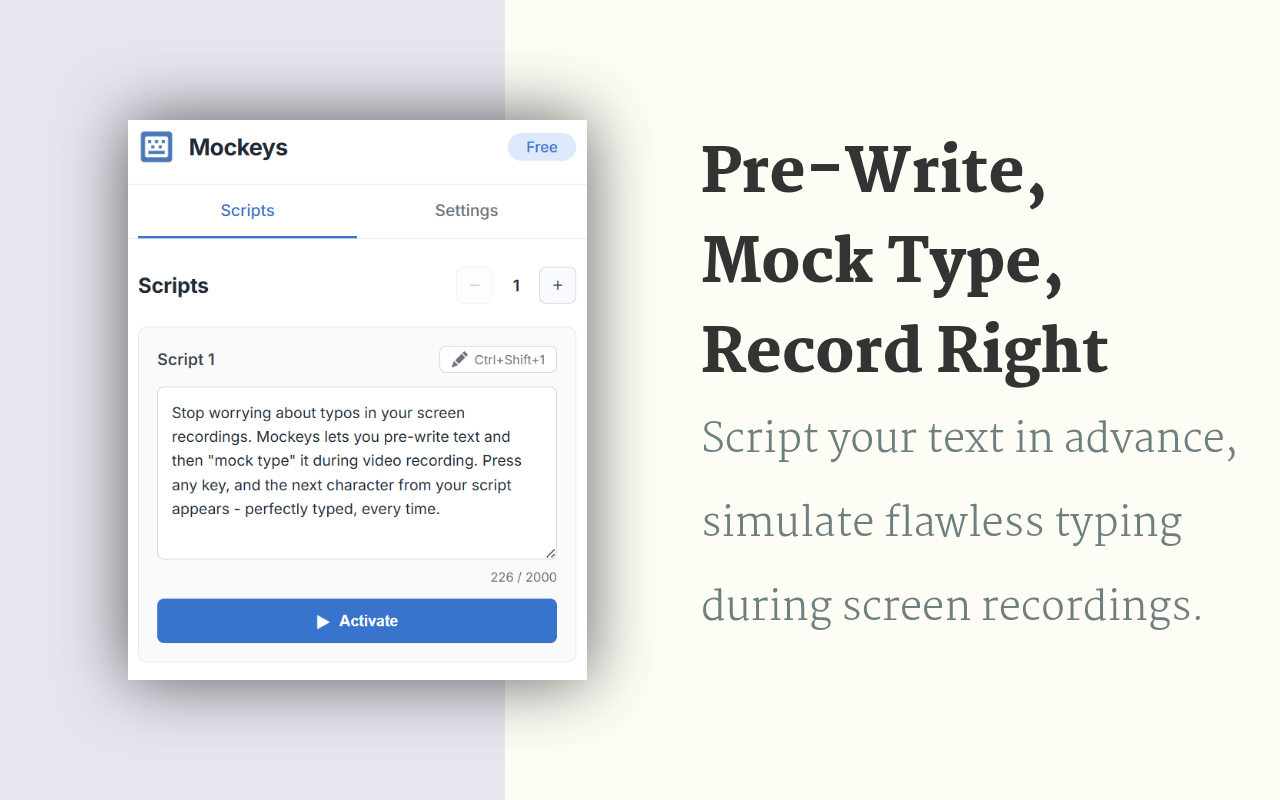
You're recording a tutorial, you know exactly what to type, but your fingers betray you anyway. After mass-producing unusable takes, I built a Chrome extension that lets you mash any keys while pre-written text appears instead. It's called Mockeys, and it's gloriously stupid.

Michal Wlosik
· 2 min read
Picture this: You're recording the perfect coding tutorial. The lighting is chef's kiss. Your microphone sounds like butter. You've rehearsed your script seventeen times. You hit record, start typing, and -
backspace backspace backspace
"Constt... no wait... const userDaat... UGHHH"
Three hours later, you've produced 47 unusable takes and have developed a personal vendetta against your own fingers.
I got so tired of this cycle that I built a solution.

The solution is dumber than you'd expect
Every keypress outputs the next character from your script instead of whatever disaster your fingers were actually attempting.
That's it. That's the whole thing.
Your viewers see: a confident developer typing flawlessly at a natural pace
Reality: You're playing your keyboard like a one-note piano while internally screaming.
Who actually needs this?
Content creators who have realized that "just type it live" is a cruel joke invented by people who have never made a typo in their lives.
Tutorial makers who are tired of choosing between "unusable footage with authentic typos" and "suspiciously perfect text that appeared via copy-paste."
Anyone who has ever sweated through a live demo thinking "please hands, do not betray me now."
That one friend who types with two fingers but insists on recording screen shares for the team.
Features that exist for some reason
- Multiple scripts - because sometimes your performance anxiety needs variety
- Typo simulation - for when you need to look realistically incompetent. Yes, it will intentionally make mistakes and then correct them. We've reached peak authenticity theater.
- Stealth mode - hides the notifications so nobody catches you in your elaborate keyboard theater
- Google Docs support - your fake typing can now be collaborative
The existential implications
We've reached a point in human evolution where we need software to help us pretend to type while actually typing. If you think about it too hard, it becomes a philosophical ouroboros: you're pressing real keys to produce fake keystrokes that create real text that you really wrote but aren't really typing.
Don't think about it too hard.
Final thoughts
This solves a problem that is simultaneously incredibly niche and universally relatable. If you record any kind of typing-on-screen content, it might save you from the hellscape of endless retakes - or at least let you maintain the illusion that your fingers aren't just ten chaotic gremlins attached to your hands.
Mockeys is on the Chrome Web Store - free, no account required, no catch.
Written by
Builder, product marketer and AI enthusiast. I ship my own apps, like Sift (siftphotos.pro), Penlo (penlo.app), Ectobuilder (ectobuilder.com) and Cubbie (cubbie.pro), and write about building and marketing them with AI.
Keep reading
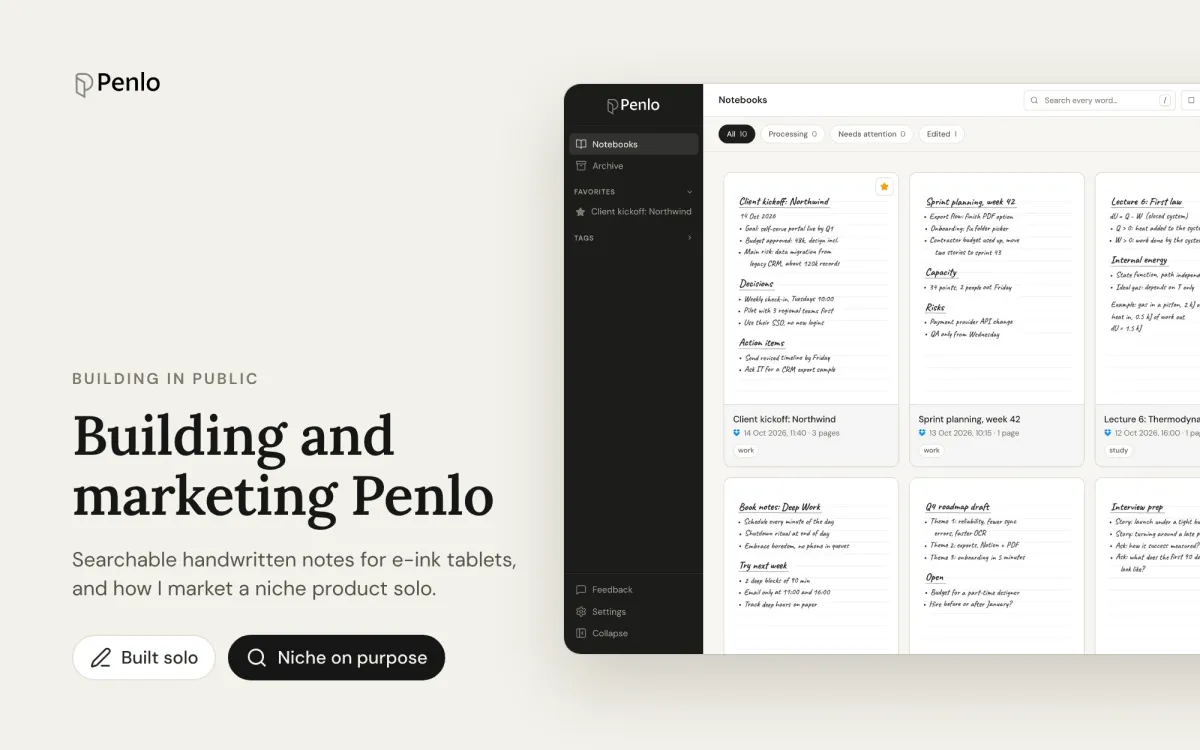
I built Penlo to find my handwritten notes. Here's how I market a niche product
How I built Penlo, an app that makes e-ink tablet notes searchable, as a solo founder with AI, and what marketing a deliberately niche product has taught me.
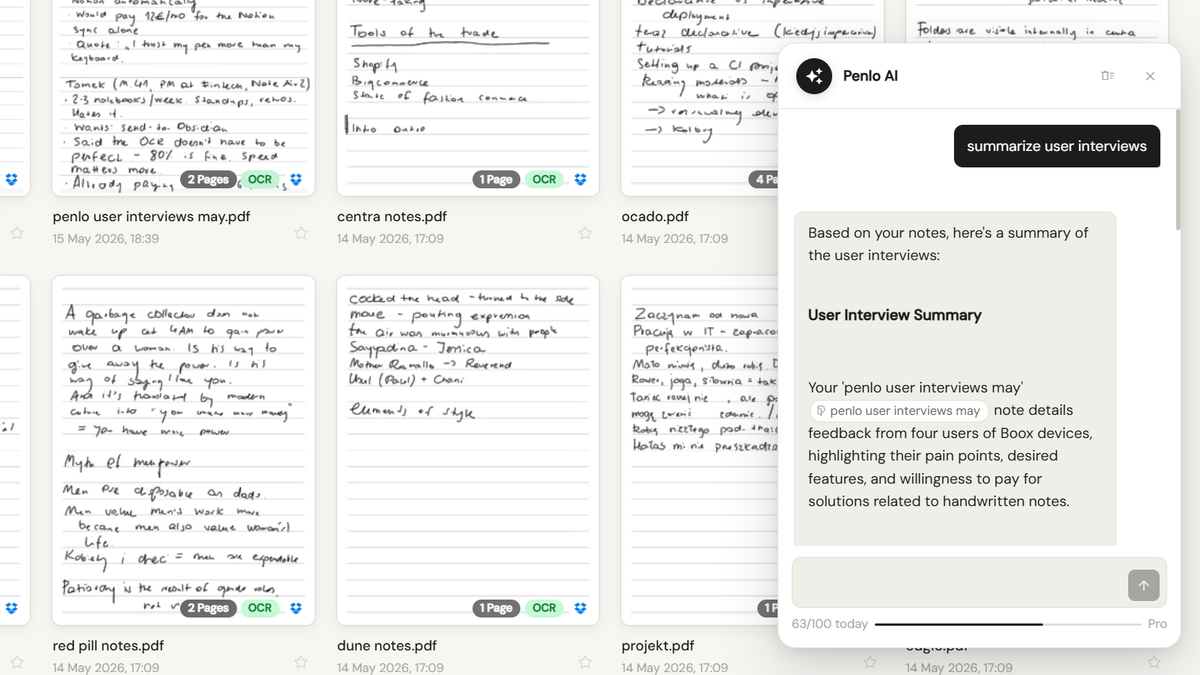
Onyx Boox Note Air + Penlo AI: ask your handwritten notes a question
Penlo's new built-in chat lets you talk to your notes the same way you'd talk to Claude. No MCP setup. No API keys. Open Penlo, type a question, get an answer grounded in what you actually wrote.
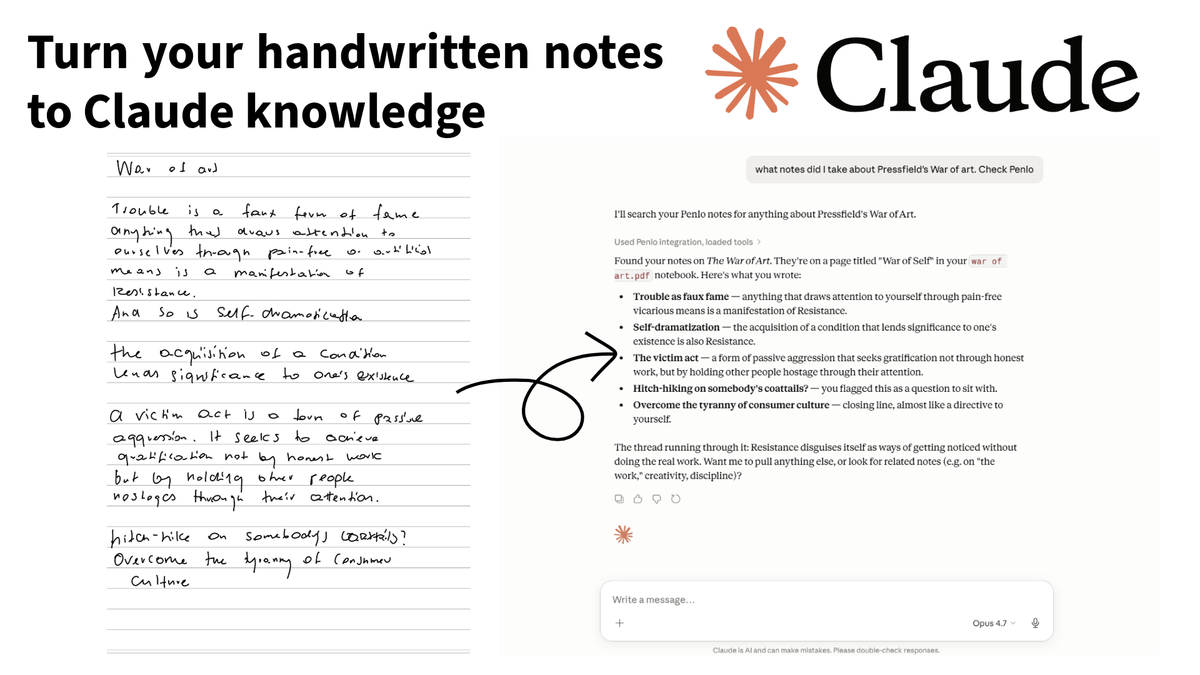
How to access your handwritten e-ink notes from Claude and other LLMs
Your e-ink tablet is great for writing, but your handwritten notes are essentially trapped in a digital drawer. Here is a 5-minute guide to unlocking them.