I built Penlo to find my handwritten notes. Here's how I market a niche product
How I built Penlo, an app that makes e-ink tablet notes searchable, as a solo founder with AI, and what marketing a deliberately niche product has taught me.

Michal Wlosik
· 4 min read
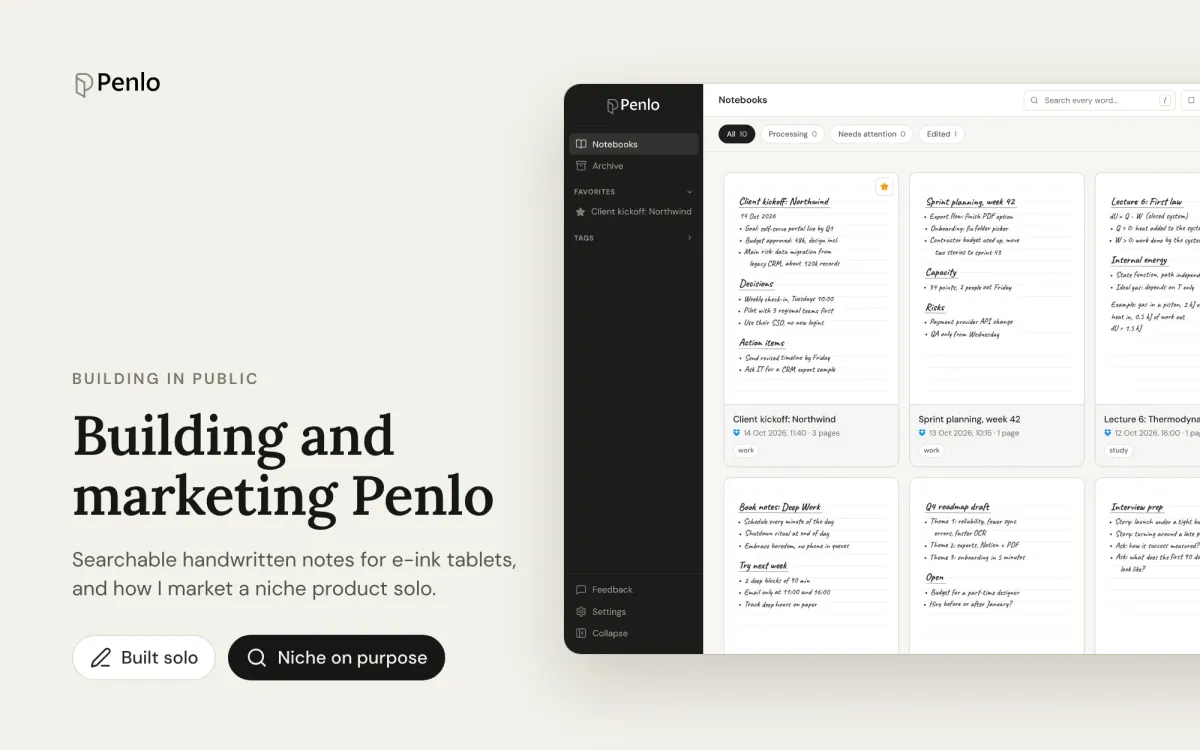
I've taken notes by hand for as long as I can remember. A few years ago I moved them to an e-ink tablet, an Onyx BOOX Note Air, and loved everything about it except one thing: I couldn't find anything. Notes from a client call in March were somewhere in a notebook called "Work 3", and the only way to find them was to flip through pages. Penlo started as the fix for that, and turned into my second product built and marketed from scratch.
The problem
E-ink tablets are very good at the writing part. The paper feel, the battery that lasts for weeks, the lack of notifications. What happens after you write is the weak spot. Each brand has its own app, its own cloud and its own idea of search, and most of it only works on the tablet itself. Searching last month's notes from your laptop is either impossible or behind a subscription, and searching notes from two different tablets together isn't possible at all.
I wrote about my early workarounds here: Dropbox automations, OCR scripts, a Make.com flow that sent pages to ChatGPT and the result to Notion. They worked, sort of. Every one of them broke the moment a notebook changed. Penlo is what I built once I stopped patching.
What Penlo does
Your tablet saves each notebook as a PDF to Dropbox or OneDrive. Penlo watches that folder, reads every page with AI, cleans up the text, and puts all your notebooks in one library you can search from any browser. It works with Onyx BOOX, reMarkable, Supernote and Kindle Scribe.
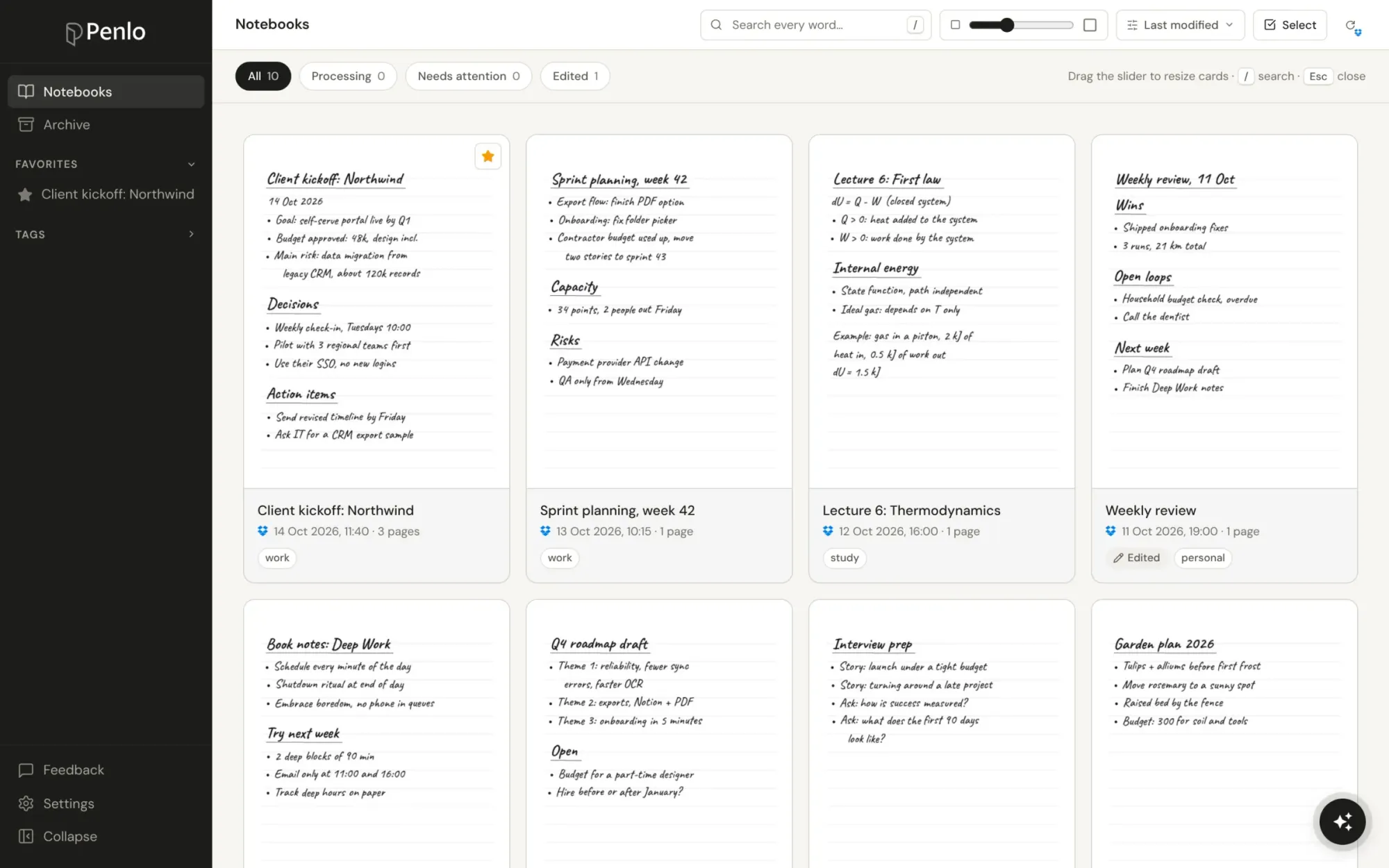
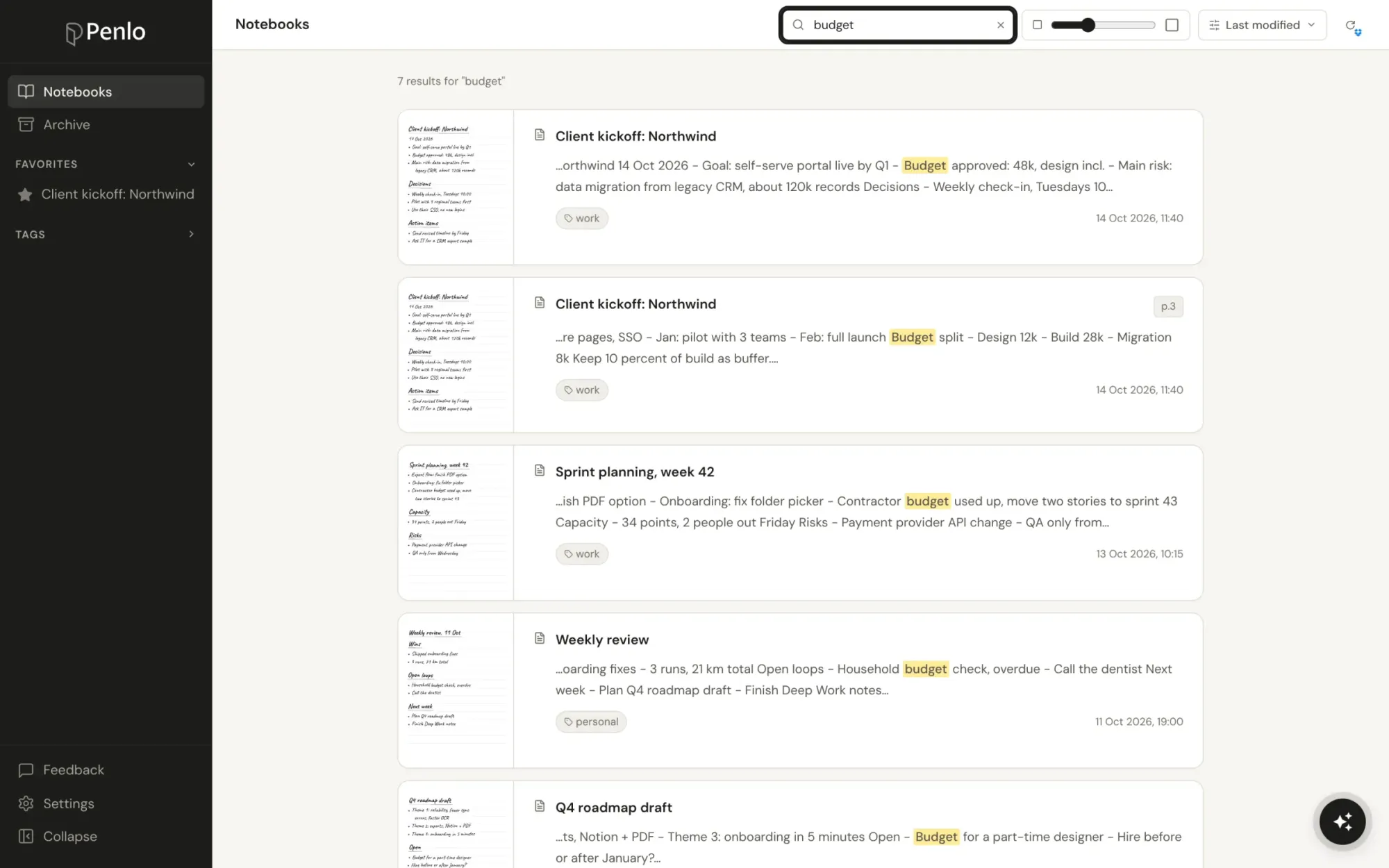
On top of search there are three things I use every day:
- Penlo AI. Ask a question in plain words ("what did we agree about the launch date?") and get an answer drawn from your notes, with links to the pages it came from.
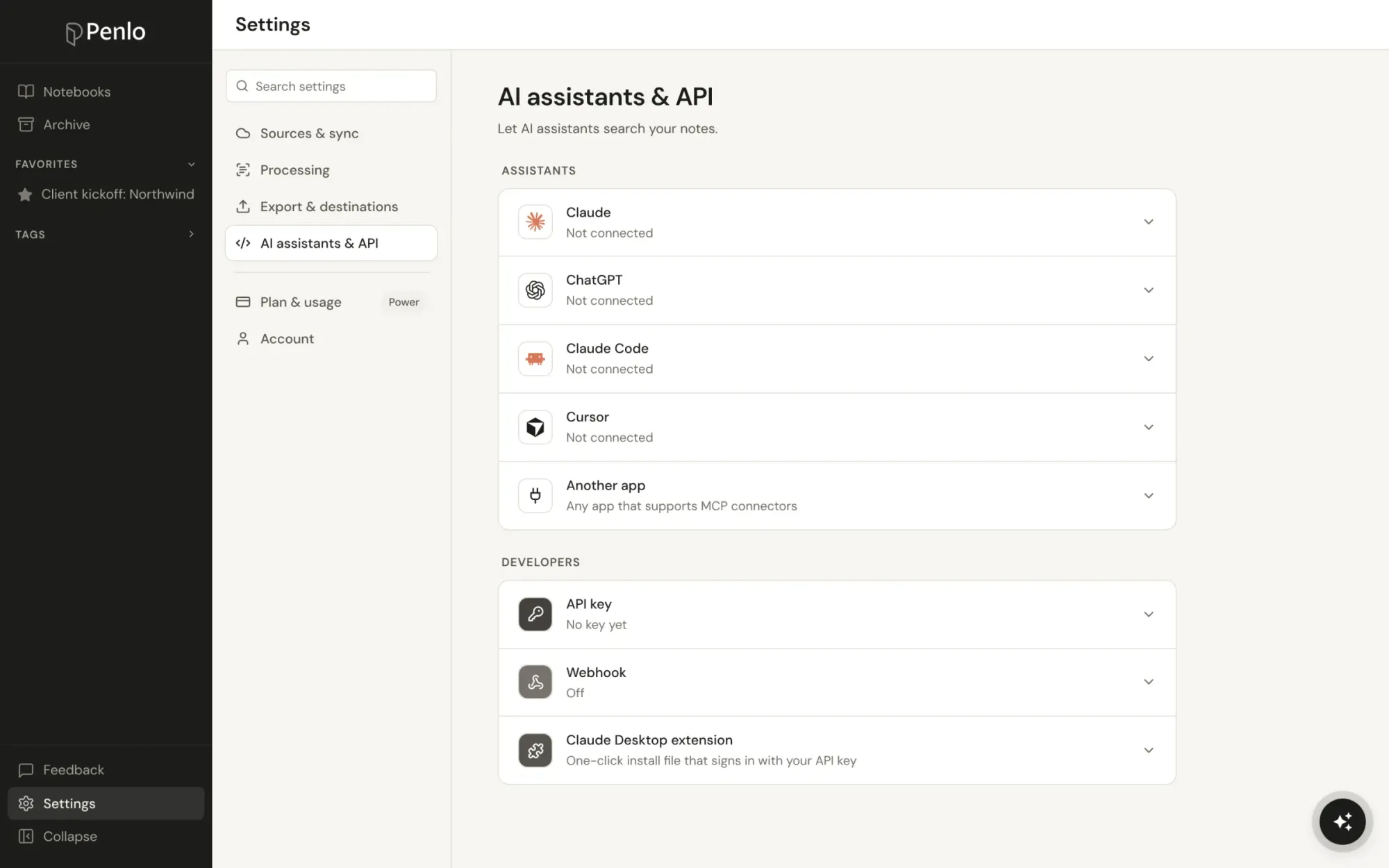
- A connector for Claude and ChatGPT. Add Penlo to your AI assistant once, and it can search and read your notebooks while you work on something else.
- Export to Notion. Turn a notebook into a Notion page in two clicks.
How it's built
Penlo runs on Next.js and Supabase, with Google Gemini doing the handwriting recognition. As with Ectobuilder, Claude wrote a large share of the code and I did the deciding.
The hard parts weren't where I expected. Reading handwriting is mostly solved; reading my handwriting well enough to search it took a second pass that joins broken lines and fixes obvious misreads. The real time went into the boring plumbing: every tablet exports differently, some overwrite the same PDF each time you close a notebook, some create a new file, and cloud services each have their own rules about telling you a file changed. Most of what makes Penlo feel simple is handling those cases so the user never sees them.
Marketing a niche product
Penlo is for a small group of people: those who write on an e-ink tablet and want their notes back. That's a narrow audience, and I've learned to treat it as an asset rather than a problem to grow out of.
Stay sharp. It was tempting to go after anyone with handwritten notes, including people photographing paper notebooks. That puts Penlo up against Google Lens and every phone app, and turns a clear "built for your e-ink tablet" into a vague "OCR for everyone". I kept the niche.
Go where the users already are. E-ink owners gather in device communities: r/onyxboox, r/RemarkableTablet, r/Supernote and the brands' forums. Those communities have been the best channel by far, both for telling people about Penlo and for research. When I needed to know exactly how a Supernote syncs to Dropbox, owners told me faster than any documentation.
Answer one search at a time. The Penlo blog is a set of practical guides for questions e-ink owners actually search for: Supernote vs reMarkable, BOOX Cloud vs Dropbox, how to convert handwritten notes to text. Each guide is useful without Penlo and mentions it where it genuinely helps. Like on the Ectobuilder blog, an AI assistant does the research, screenshots and formatting through Ectobuilder's MCP connector, and I check every claim before it goes out.
Lead with what nobody else does. Plenty of apps can read handwriting. Letting Claude or ChatGPT search years of your handwritten notes is something none of the tablet makers offer, so the AI connector leads in the positioning, not the OCR.
Don't pay for traffic before you understand conversion. It's easy to buy sign-ups. It's pointless if you don't know why people who sign up stay or leave. Before spending on ads, I'm talking to free users and fixing what they trip over, starting with the first five minutes of setup.
What I'd tell another solo builder
- Build for a problem you have every day. I use Penlo daily, so I notice what breaks before users do.
- A small audience you can name beats a big one you can't. "People with a BOOX who can't find their notes" tells you where to post, what to write and what to build next.
- Communities are research, not just distribution. Ask before you announce.
- Your differentiator is rarely the core feature. For Penlo it's not the OCR, it's what you can do once your notes are text.
Try it
If you write on a BOOX, reMarkable, Supernote or Kindle Scribe, try Penlo. Every feature is free for 7 days, and setup takes about five minutes. If you're building a niche product and want to compare notes on marketing it, I'm on LinkedIn.
Written by
Keep reading
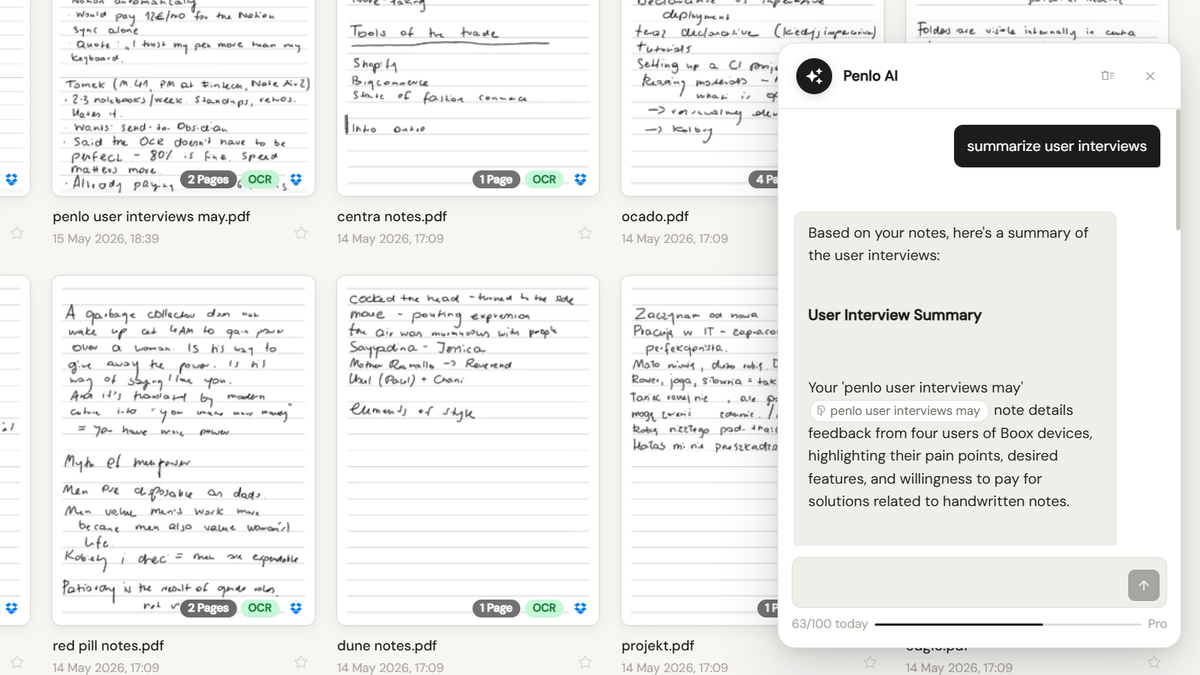
Onyx Boox Note Air + Penlo AI: ask your handwritten notes a question
Penlo's new built-in chat lets you talk to your notes the same way you'd talk to Claude. No MCP setup. No API keys. Open Penlo, type a question, get an answer grounded in what you actually wrote.
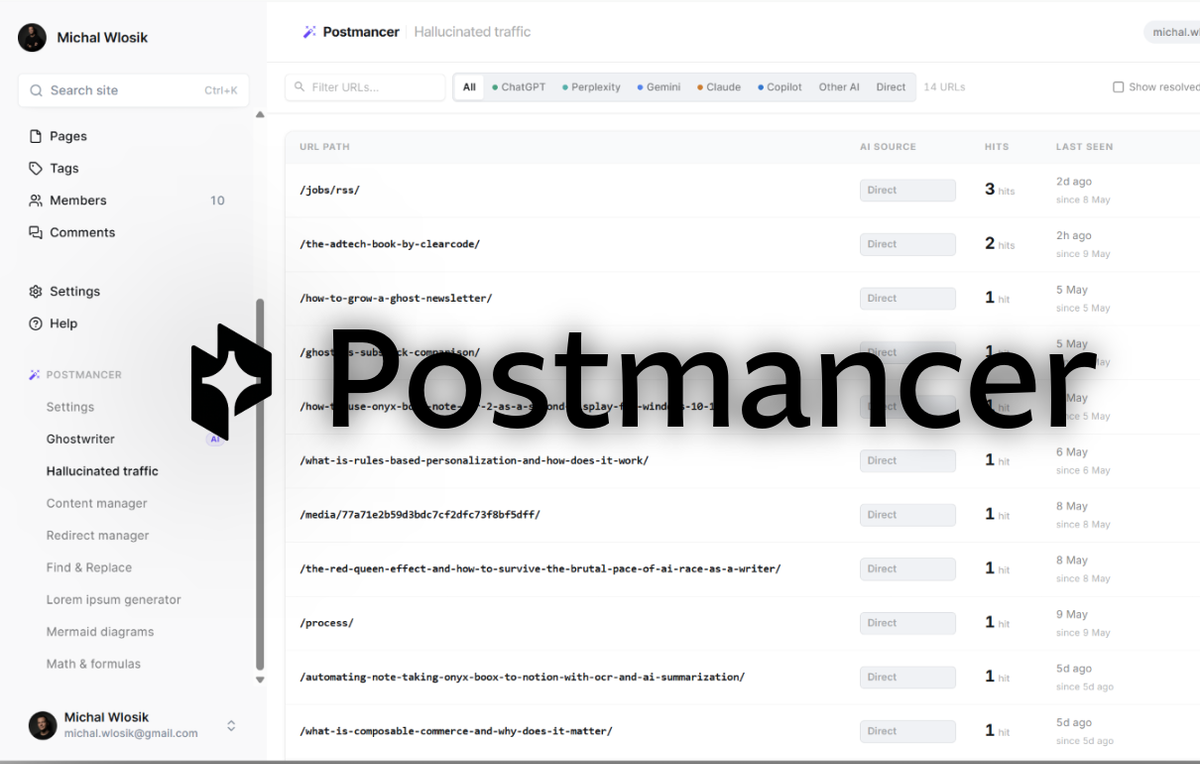
How to get more from Ghost CMS: capture AI traffic, write with AI, narrate posts
If you publish on Ghost, you already know the trade-off you signed up for. Ghost gets out of your way, runs fast, looks clean, and refuses to clutter the admin with
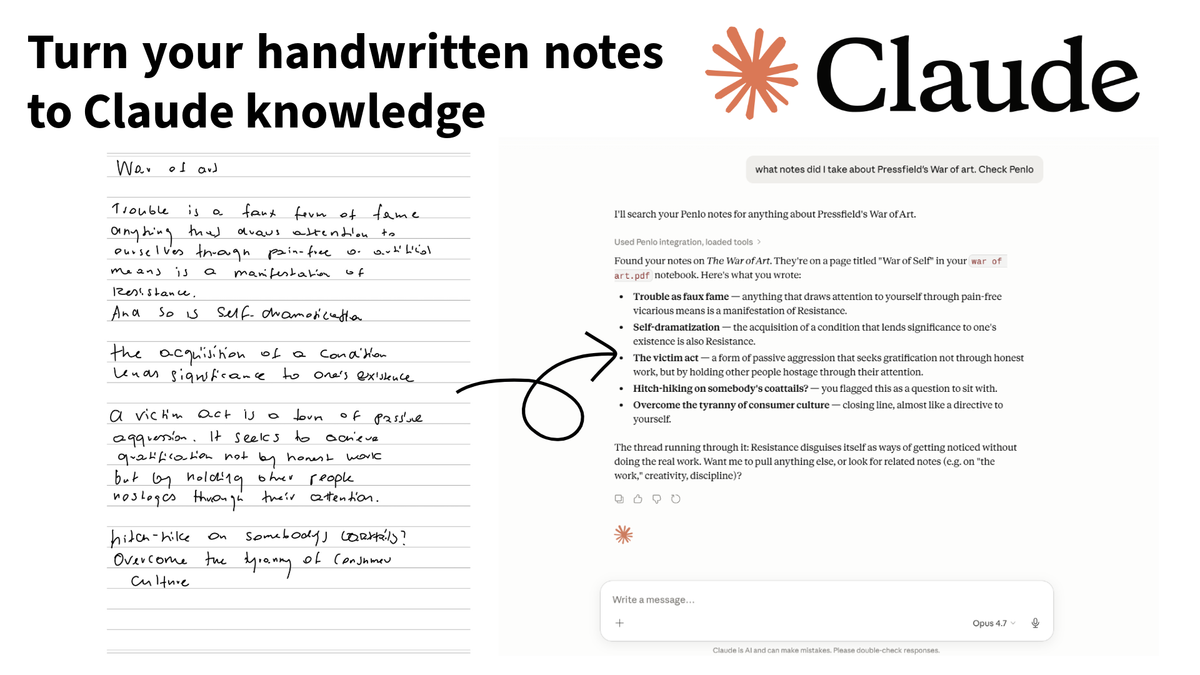
How to access your handwritten e-ink notes from Claude and other LLMs
Your e-ink tablet is great for writing, but your handwritten notes are essentially trapped in a digital drawer. Here is a 5-minute guide to unlocking them.