6 min read
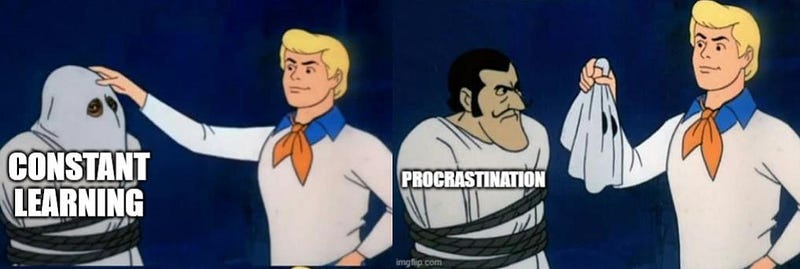
Hot take: constant learning is a disguised form of procrastination
Browsing social media, watching TV or streaming videos, playing video games, and online shopping — the list goes on, but boils down to one…
Topic
My personal blog on writing, automation, marketing and AI
Fresh writing, straight from the editor.
Browsing social media, watching TV or streaming videos, playing video games, and online shopping — the list goes on, but boils down to one…

Kindle’s built-in Vocabulary Builder (not to be confused with WordWise, which is cool in its own right) is a nifty flashcards feature you…

For a lack of anything else at hand, and perhaps a sprinkle of laziness, Google Keep has been my default note-taking tool for years…

We’ve all been there. You have a big project or task you need to complete but you just can’t seem to get started on it. No matter how many…

Learning a new language is a journey, and for many, immersing oneself in films and TV shows is a delightful way to enhance skills. The…

This guide presents a simple way to turn your Onyx Boox Note Air 2 into a wireless second screen for Windows 10/11.

Onyx Boox Note Air 2 is an amazing device in many ways, but it does not support an efficient workflow for the annotation of PDFs. Here is a…

This guide presents three simple ways to use Onyx Boox Note Air 2 as a distraction-free reading device for online articles and news.

This article describes an efficient way to sync Onyx Book Note Air 2 (Plus) notes to your PC using Google Drive.